Q1. How do I set up collection profiles for invoices?
Make sure you’ve activated a digital payment connection and created a collection profile.
Q2. How do I enable online payments on an invoice?
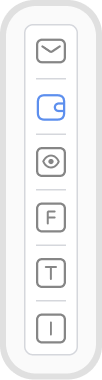
Online payments are turned off by default. To enable them, open the invoice → click the wallet icon in the sidebar.
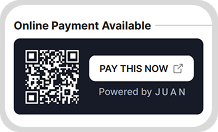
Note: Enable Online Payments in the Invoice PDF footer for the payment button to appear on the invoice PDF.
When a payment is made, a payment record is automatically created and receipts are sent to both you and the customer.
Note: Always preview the invoice first to ensure the correct payment option is selected. Changes to payment settings apply to past invoices as well.
Q3. How do I send an invoice with online payments activated?
Make sure Online Payments is enabled in your Invoice PDF footer for the payment section to appear.
You can email the invoice directly from Juan, or download the PDF and send it manually via email.
Q4. Are there any processing fees for online collection, and who bears them?
Processing fees are dependent on your fee settings in your collection profile. You can opt to shoulder it or pass on the processing fees to your customers.
Q5. Do payments go directly to my business account?
Payments received through invoices are credited to your connected payment service.
The timing of settlement from your payment service to your bank account depends on the payment provider’s terms and processing schedule.
Q6. Can customers make partial payments?
Yes. You can turn this on in your collection profile.
When a partial payment is made, a partial payment record is created.
Q7. Where can I see my collection history?
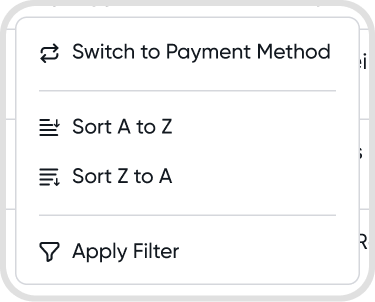
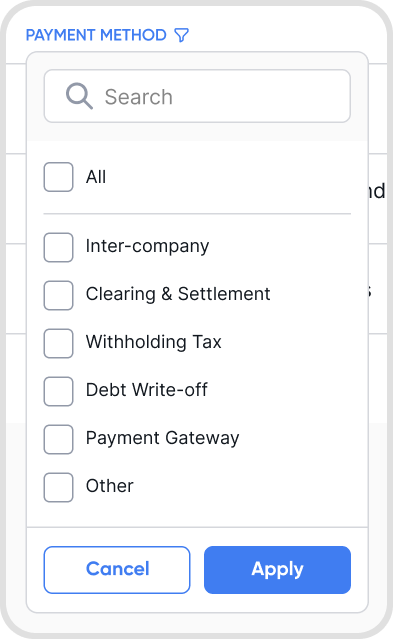
Go to Sales → Payments → Click the Payment Method column → Apply Filter “Payment Gateway”
Or use the search bar and enter paymentMethod:gateway