Digital Payment Connections allow you to collect payments from invoices and disburse payments for bills by linking payment gateways to your organization.
It’s required to have a business account in any of the following payment services to proceed:
Once connected, you can then create Digital Payment Profiles for collections and disbursements.
Note: Creating a business account with a payment provider may take more than one business day, as you’ll need to submit documents for verification. Some providers may allow immediate API access after signup, such as PayMongo.
No. Support varies by provider.
Supports both collection and disbursement:
PayMongo
Xendit
Supports collection only:
Maya
Stripe
HitPay
RazorPay
Supports disbursement only:
Wise
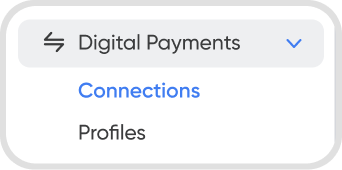
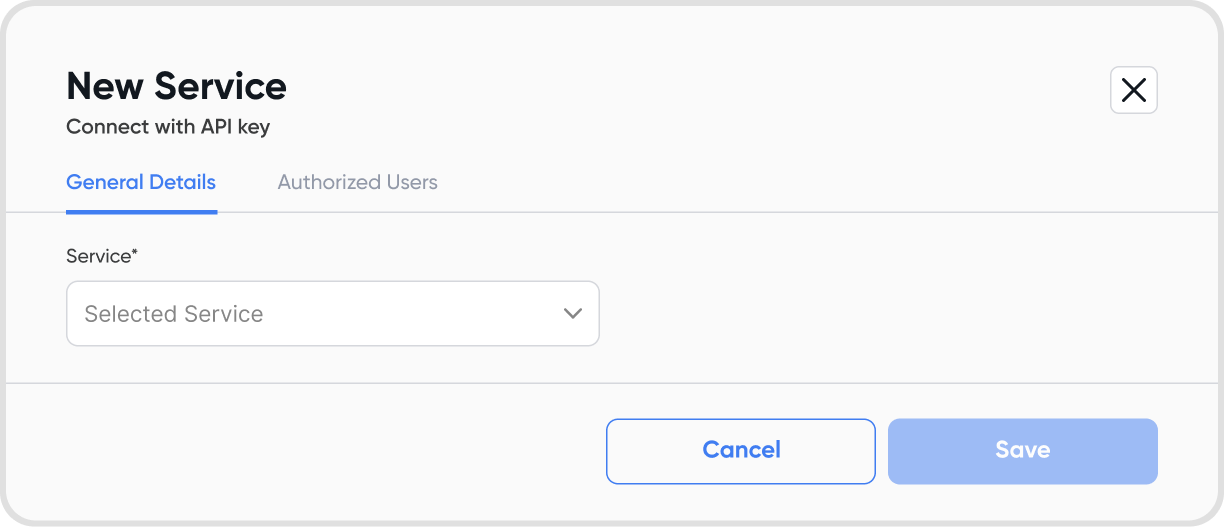
Head over to Settings → Configurations → Digital Payments → + Connect Service.
Connect a payment service by retrieving your API key from your payment service’s business account settings and entering it in the setup.
Yes. You can set up multiple payment connections for different use cases.
When handling multiple payment connections, API key management is vital. Make sure to secure your API keys securely.
Hover over a payment gateway then click the 3-dot icon and choose disconnect. Disconnecting is irreversible.
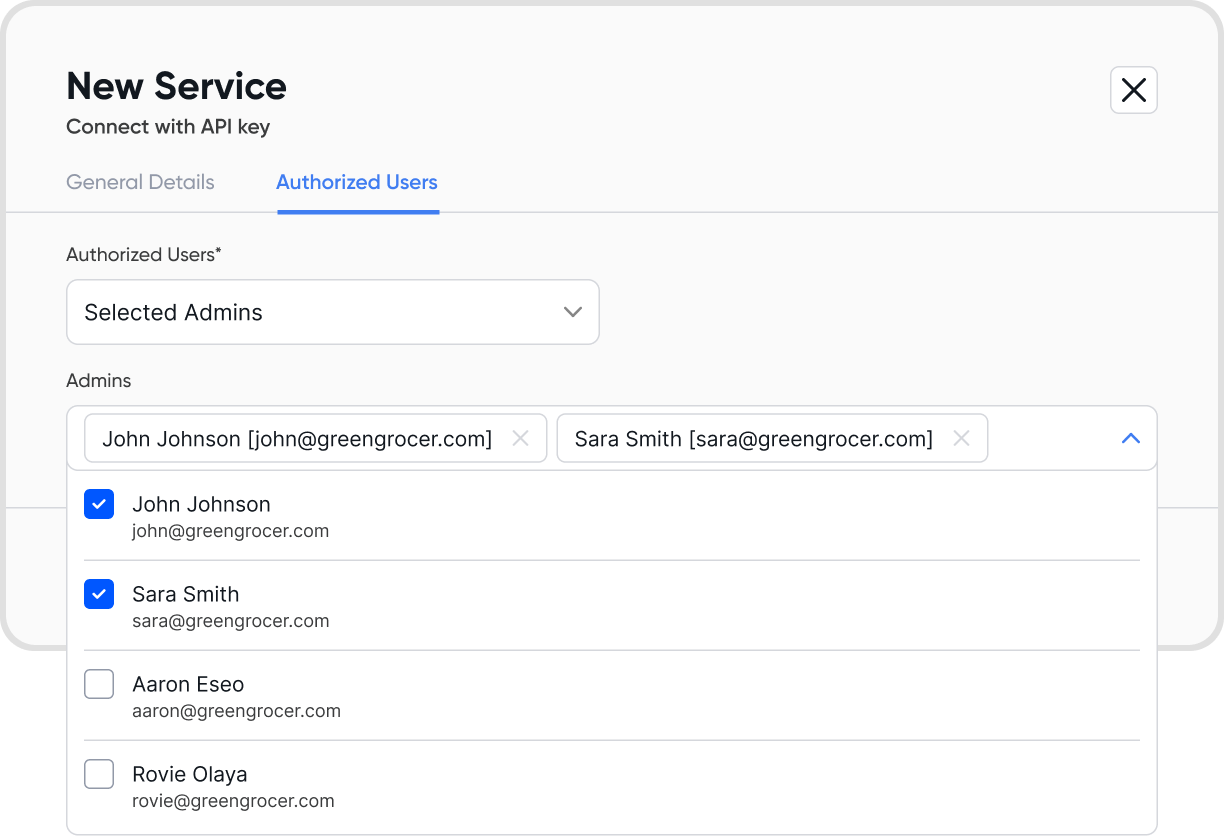
Your team members must have Admin access in Access Management to use online payments.
You can also assign specific admins to a payment connection during setup or when editing an existing connection.
Disconnecting a payment connection will disable online payment functionality for any transactions linked to it.
