Beneficiaries are used for disbursements. They represent payment recipients and store their payout details, such as payment method and account information.
A contact can have multiple beneficiaries. Contacts store the person’s details, while beneficiaries store their payout details (how they receive payments).
To use beneficiaries for disbursements, you must first set up a payment connection that supports disbursements.
Some payment services may not support disbursements and will not appear in the list.
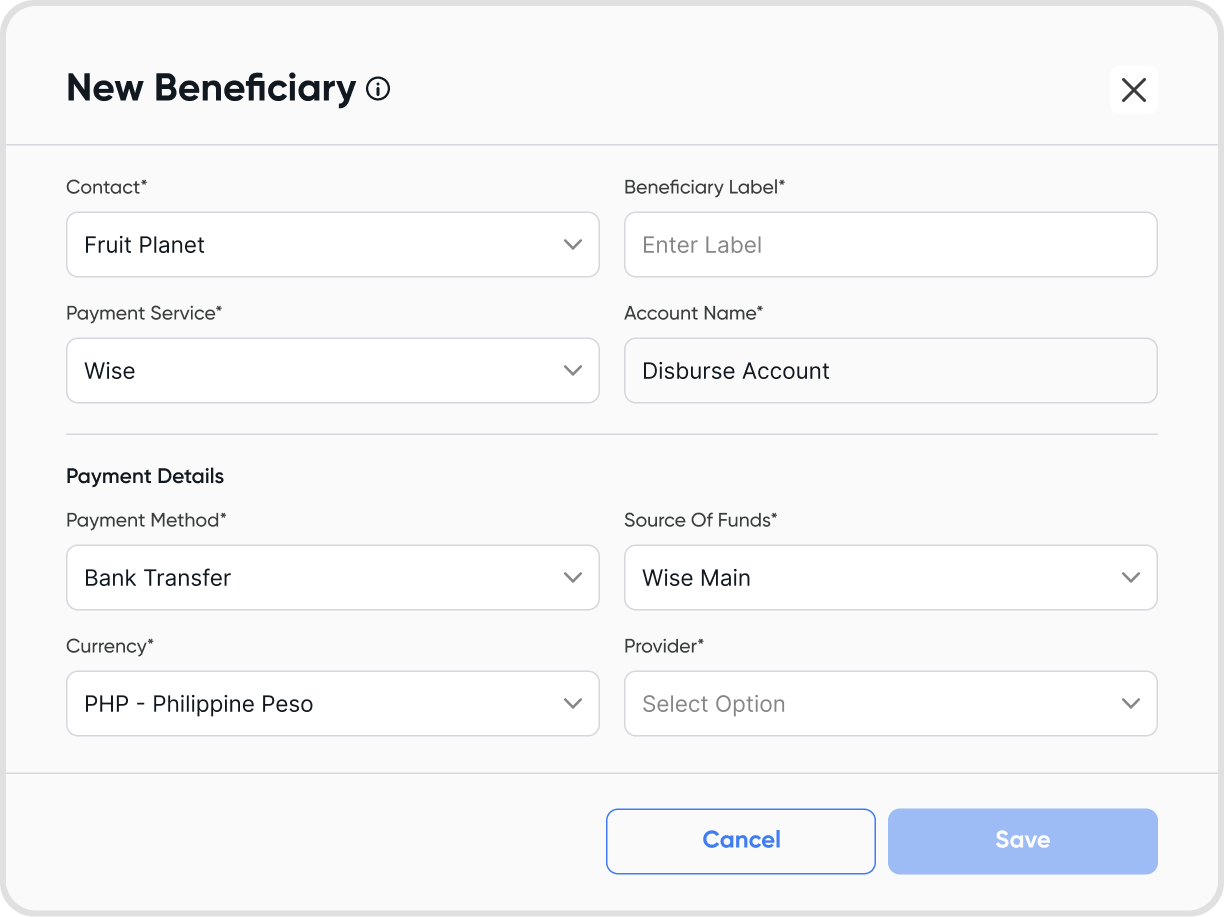
You can create a beneficiary in two ways:
From Contacts
During a disbursement flow by adding a new beneficiary
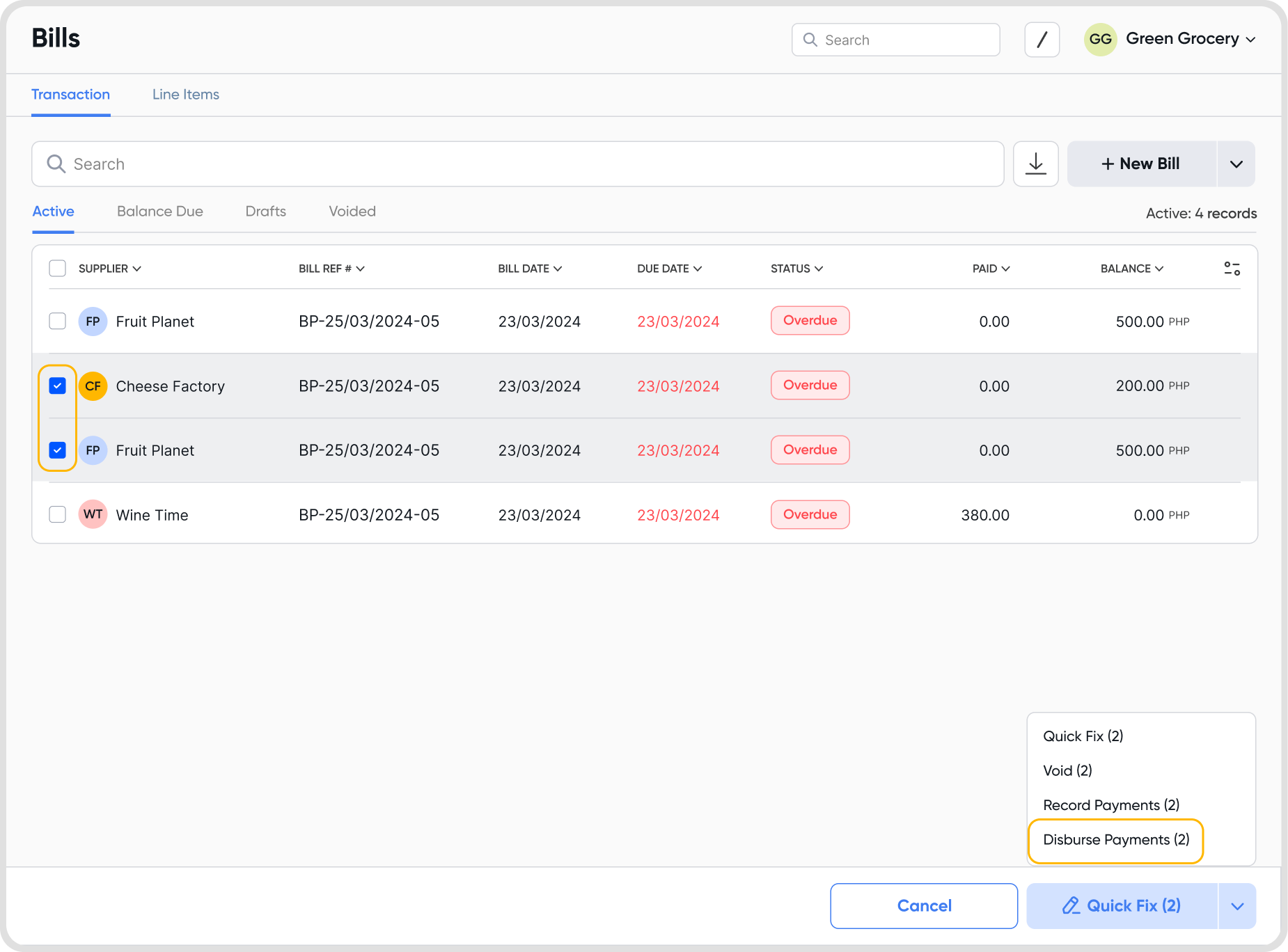
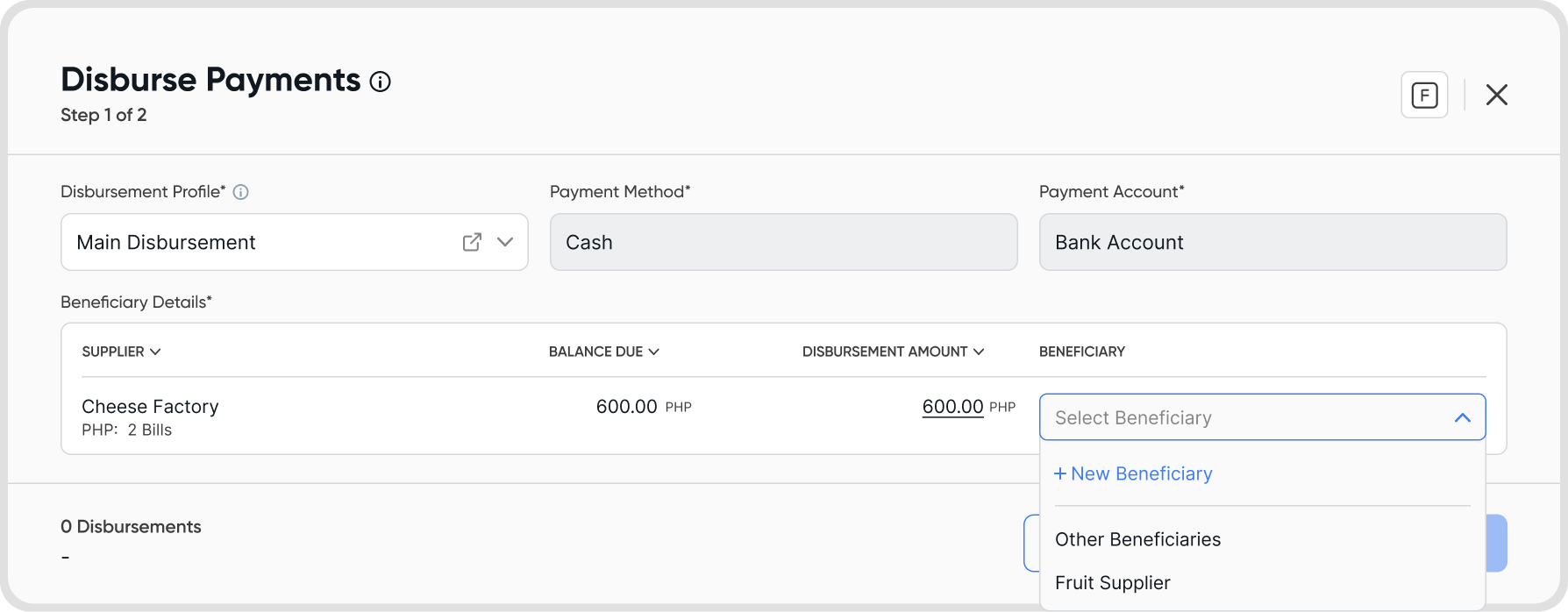
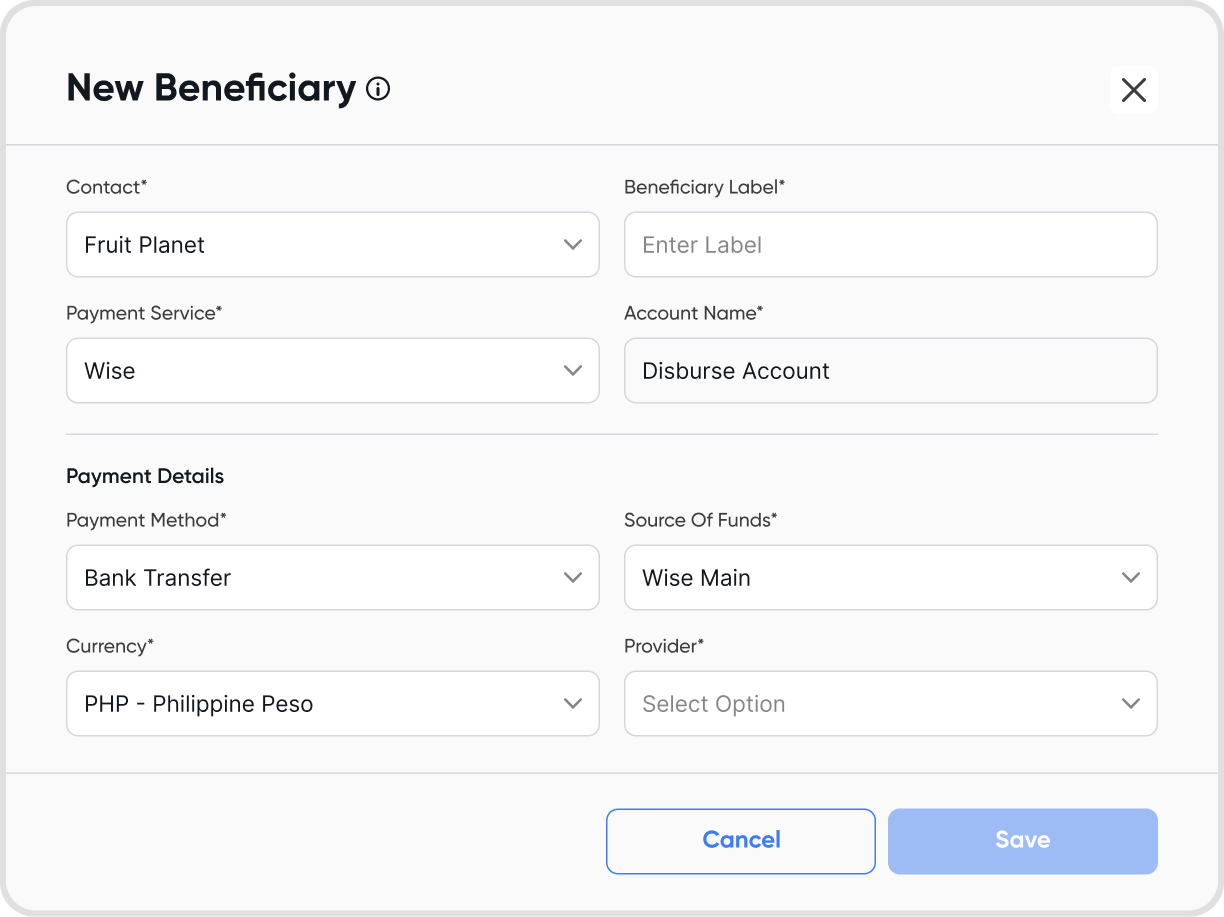
When making online disbursements, select a beneficiary for each contact. A single beneficiary can also be used across multiple contacts.
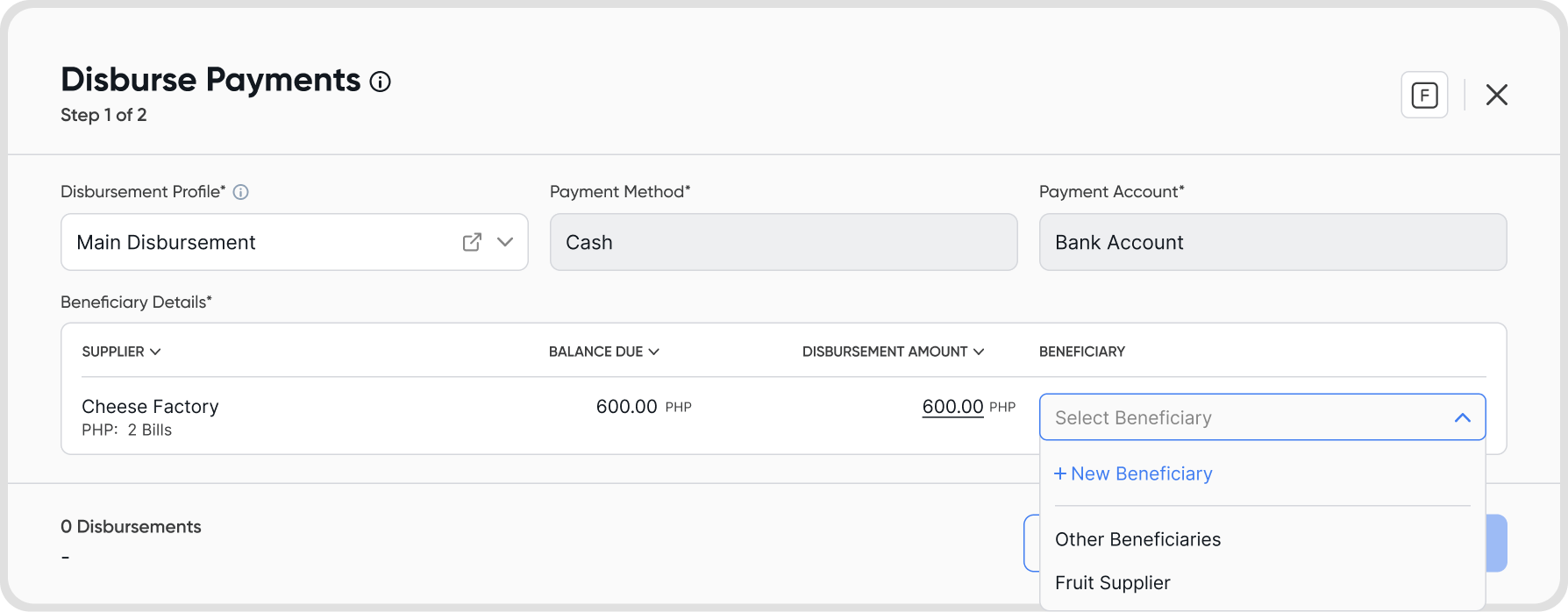
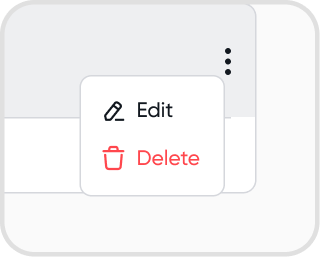
To edit: Choose a beneficiary → click the 3-dot icon → Edit
Note: editing beneficiaries will not impact past disbursements. Edits will only take effect for succeeding disbursements.
To delete: Choose a beneficiary → click the 3-dot icon → Delete
Go to Contacts → Beneficiaries.
Yes. You can choose any available beneficiary when processing bill payments, regardless of the contact.
Disbursements require an active payment service connection. You cannot process online disbursements for beneficiaries set to “Paid offline.”
The beneficiary’s payment method and currency will reset. You’ll need to set them up again before using them for disbursements.
Some payment services do not support disbursements. Only supported services will appear in the list.
Yes. Limits depend on the connected payment service. For example, InstaPay has a per-transaction limit of up to ₱50,000.
This limit is applied to the total disbursement amount per transaction. For example, if you are disbursing to multiple contacts using the same beneficiary:
Contact 1: ₱20,000
Contact 2: ₱20,000
Contact 3: ₱20,000
The total becomes ₱60,000, which exceeds the limit. In this case, the beneficiary will no longer be available for selection once the limit is reached.
