
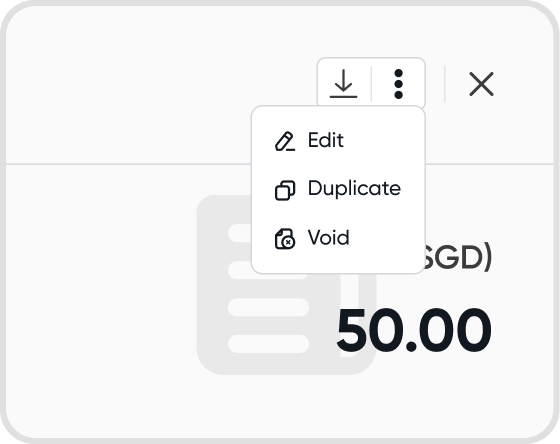
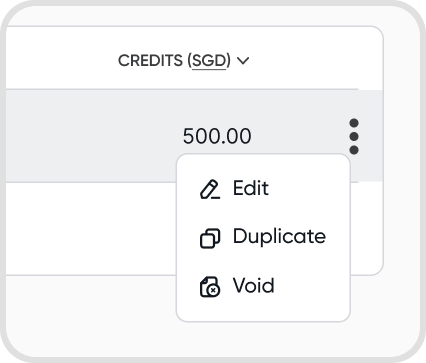
Q1. Can I edit/duplicate/void a journal?
Yes, you can edit/duplicate/void a journal.
The options can be found in the 3 dot menu.
Q2. Which journal types can I edit?
Juan allows editing for the following journal types:
Manual Journals
Cash Journals
The following journal type cannot be edited:
Transfer Journals
Q3. Which journal types can I duplicate?
Juan allows duplication for the following journal types:
Manual Journals
Cash Journals
Transfer Journals
Q4. What happens if I add/remove a payment account from a journal?
If the journal was manual, adding a payment account will classify it as a Cash Journal.
If it was a cash journal, removing a payment account will classify it as a Manual Journal.
Q5. Can I duplicate a voided journal?
You can duplicate any voided journal.
Q6. Can I download a summary of my journals?
Yes. Click the download button at the upper right of the Journals page to download the Journals Summary.
The Journals Summary covers your journal entries and entry lines for a selected date range, in Excel or PDF.
See Journals Summary for details on date ranges, filters, columns, and download formats.