E-sign templates can be used for Sales Quotes and Purchase Requests.
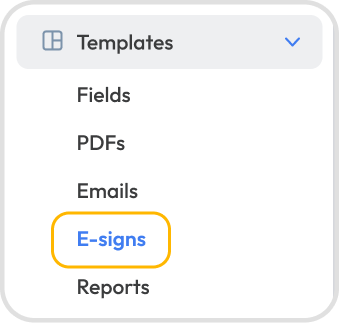
Go to Settings → Templates → E-Signs → + New Template.
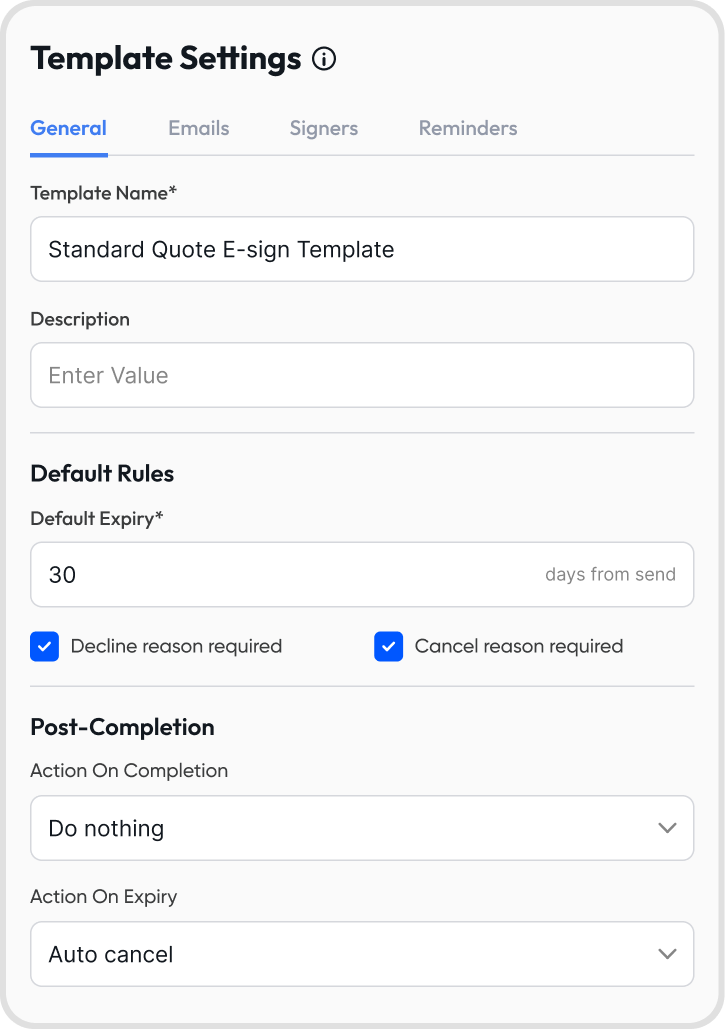
Template Name: identifies the template
Description: appears when choosing the template; use it to give context on when to use it within your organization
Default expiry days: number of days from send before the document expires
Decline reason requirement: require signers to provide a reason when declining
Cancel reason requirement: require a reason when cancelling a request
Post-Completion settings
Action on completion:
Do nothing: no automated action
Auto-accept quote/request: the quote or request is accepted
Auto-accept & invoice/bill: the quote or request is accepted and an active invoice or bill is created
Action on expiry:
Auto-cancel: cancels the quote or request
Alert, then cancel: notifies all parties, then cancels the quote or request
Manual only: no automated action; the quote or request must be edited manually
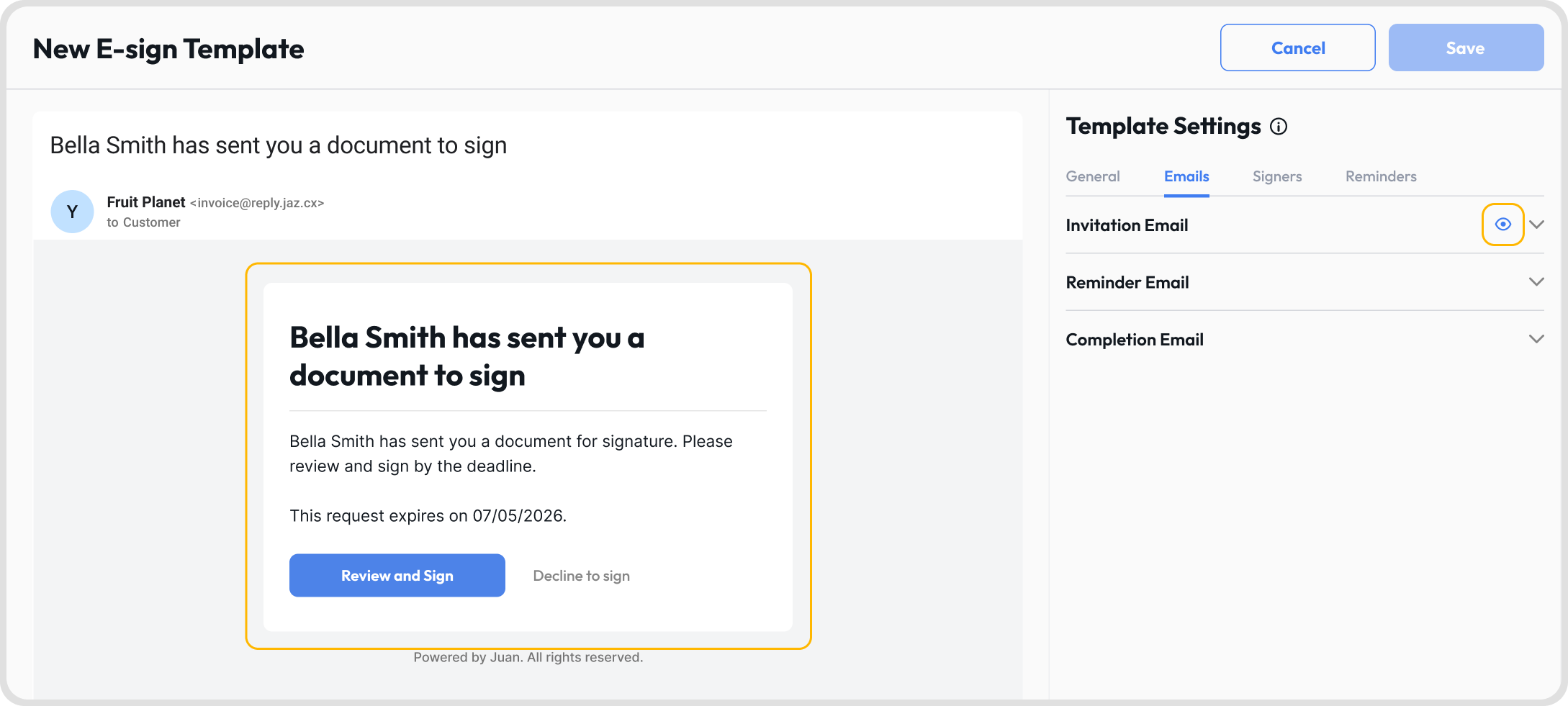
Edit the invitation, reminder, and completion email content
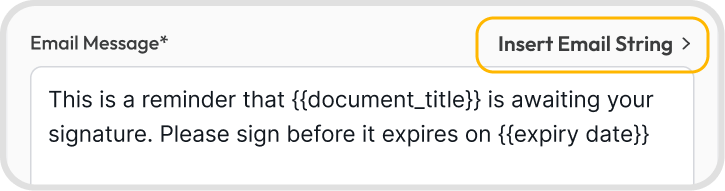
Insert email strings to pull in dynamic values from your organization
Click Preview to see how an email will look before saving
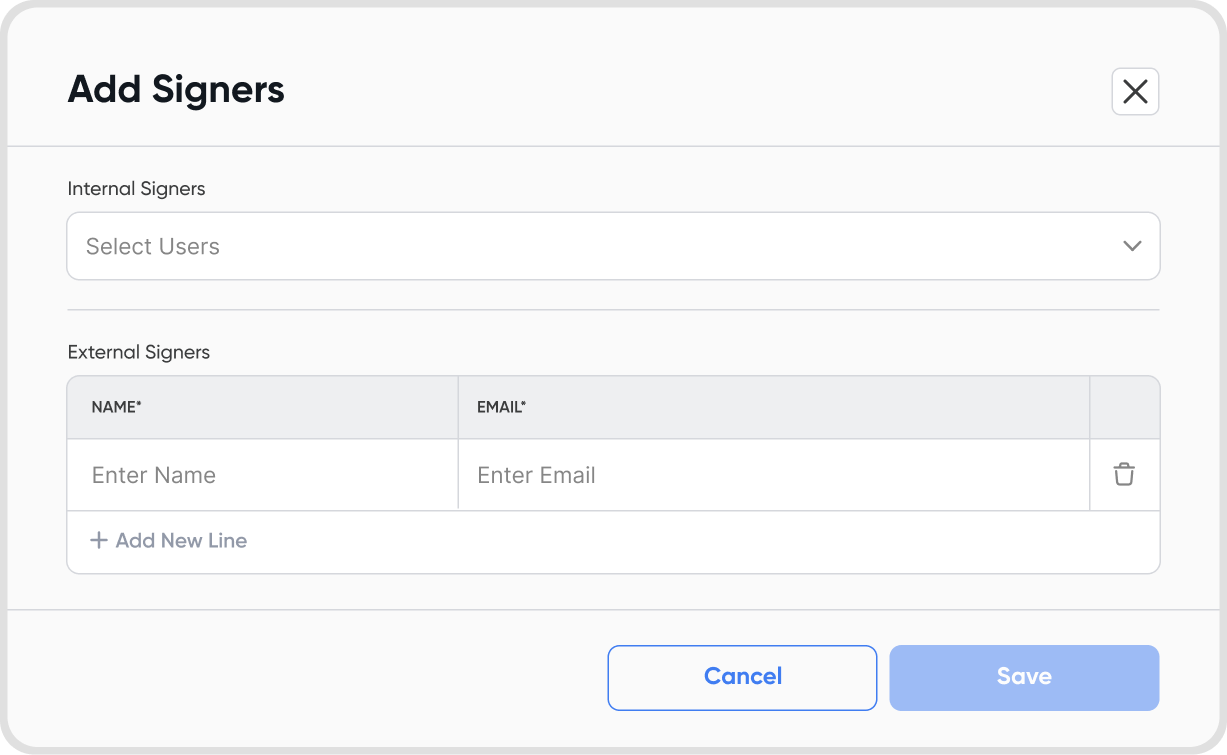
Add default external and internal signers
External signers receive a signing link by email; internal signers sign in-app
These are defaults only: senders can override any signer at send time
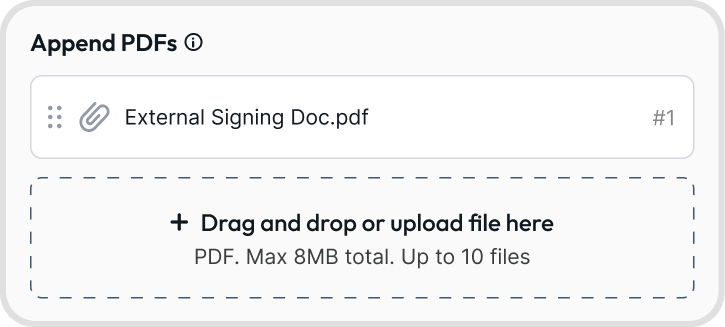
Append PDFs: attach default PDFs to the quote, up to 8 MB total and 10 files
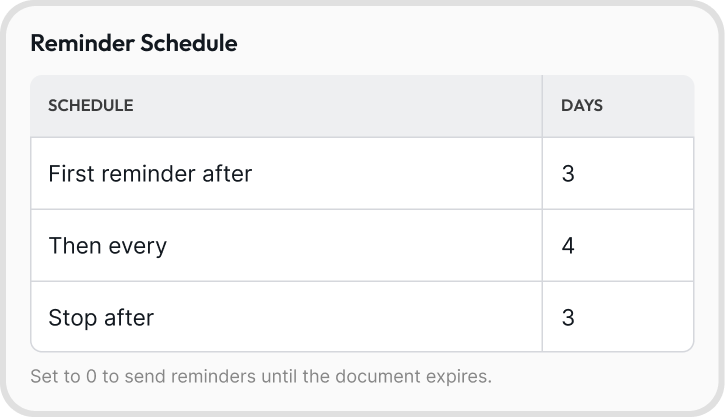
Reminder schedule: how often reminder emails are sent to signers; set to 0 to send reminders until the document expires
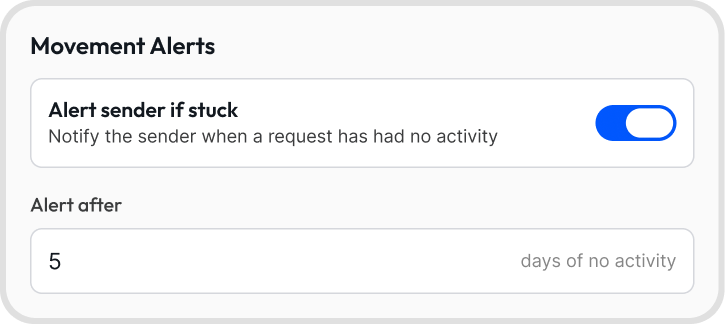
Movement alerts: toggle to notify the sender when a request has had no activity
Alert after [X] days: set the number of inactive days before a movement alert is sent
Sender notification cadence: how often the sender is notified of progress
Every event: viewed, signed, declined, etc.
Milestones only: notified each time someone signs
Completion only: notified when the document is fully signed
None: no notifications
Go to Sales → Orders → Quotes → Pending → Select a Quote → E-Sign Icon → Choose a Template
All settings from the template are applied as defaults for that e-sign request.
Go to Purchases → Orders → Requests → Pending → Select a Request → E-Sign Icon → Choose a Template
All settings from the template are applied as defaults for that e-sign request.
Yes. Hover over the template → click the 3-dot icon → select Duplicate.
Updates apply to future e-sign requests only. E-sign requests already sent are not affected unless you resend them.
