Q1. What is BIR Form 1702-EX?
BIR Form 1702-EX is the Annual Income Tax Return specifically for corporations, partnerships, and other non-individual taxpayers that are EXEMPT under the Tax Code (such as foundations, cooperatives, non-stock/non-profit organizations, and General Professional Partnerships) and other Special Laws, that have NO other taxable income.
Q2. How do I generate BIR Form 1702-EX in Juan Accounting?
Go to the Mailbox module and choose Annual.
Click Start Submission.
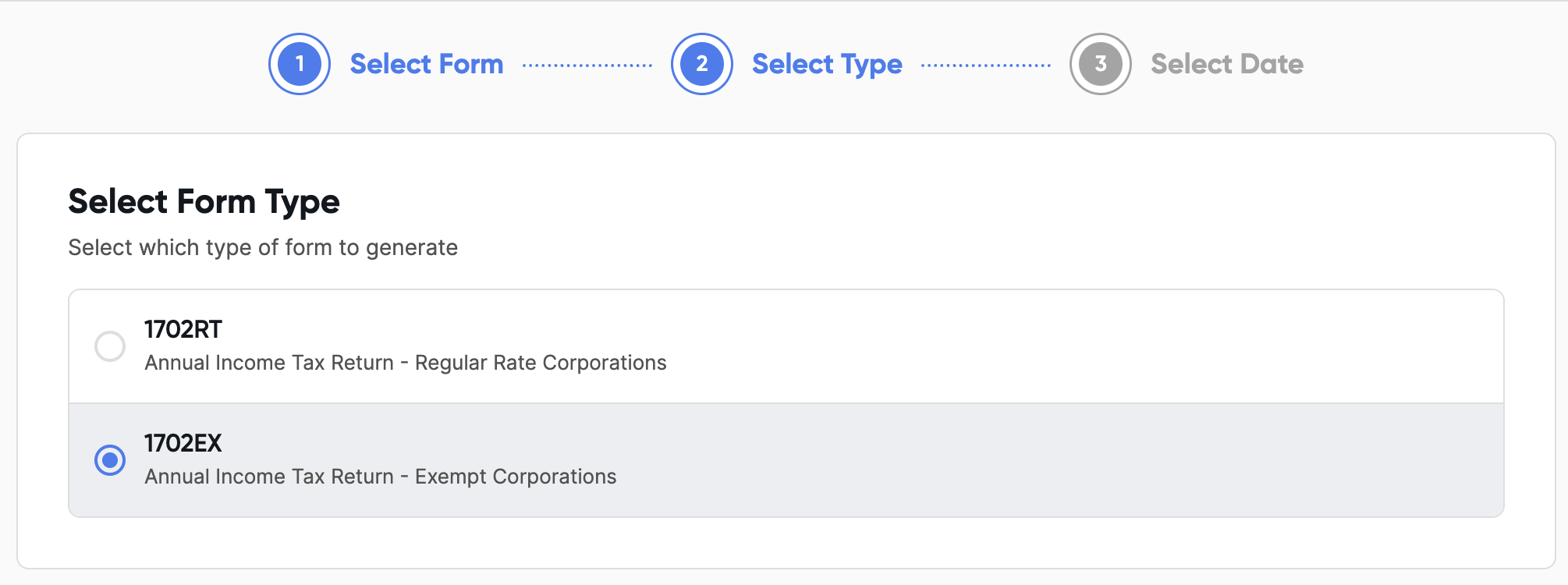
Select Form 1702-EX, choose the correct taxable year, and click proceed to enter the return screen.
Q3. How do I navigate the form screen?
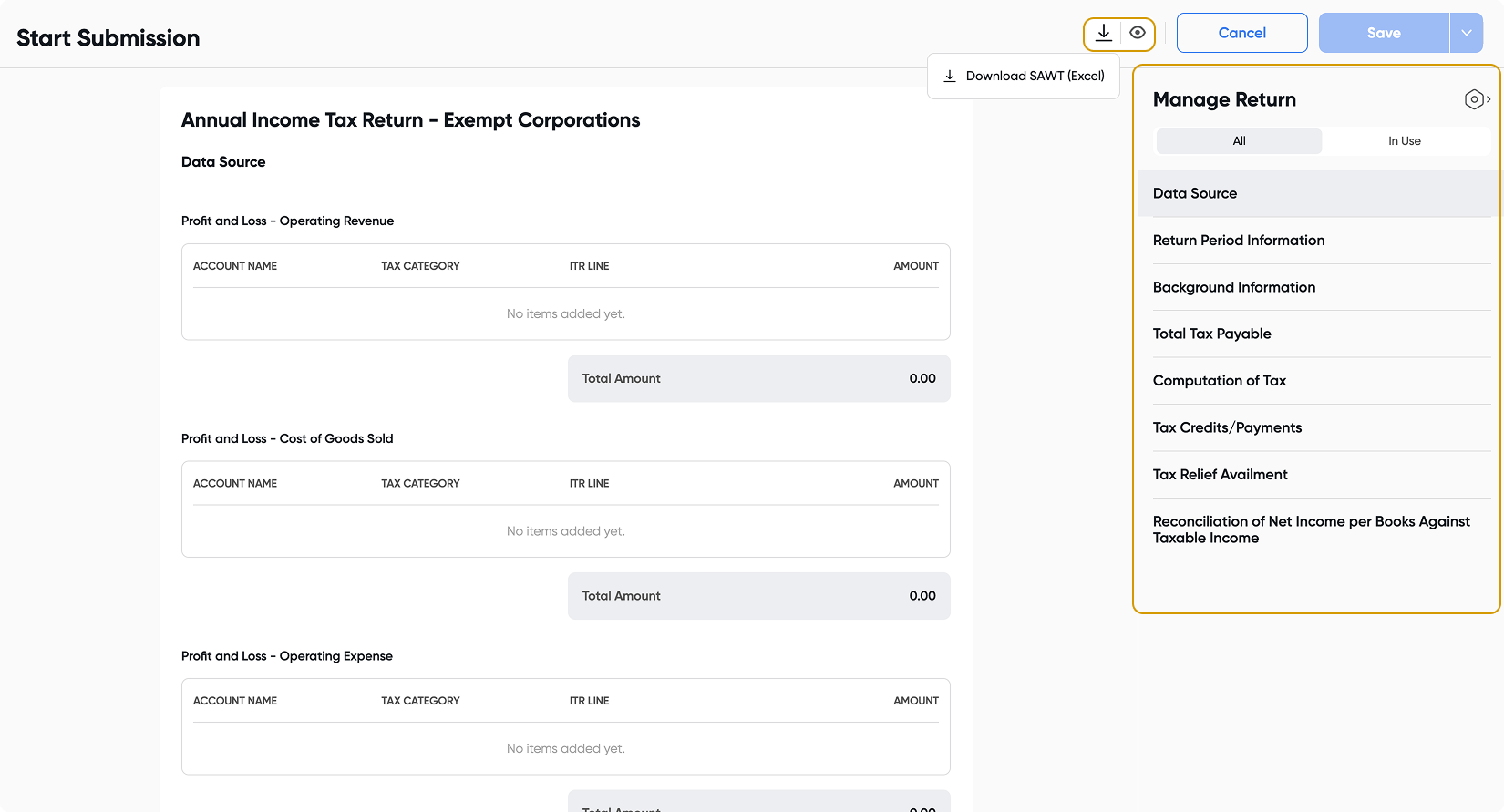
Use the Sections menu on the right side of the screen to navigate through different parts of the return. Clicking a section will display it in your main workspace.
Click the Eye icon at the top to preview the tax form in PDF format.
Click the Download button (if available) to download your SAWT attachment, which is generated from creditable withholding taxes on your sales.
Click Save once all required fields are filled out. Take note that this button will only become available when the required fields are completed.
Click Cancel if you need to stop at any time.