Data Transfer allows you to migrate your existing accounting records directly into our platform without manual entry.
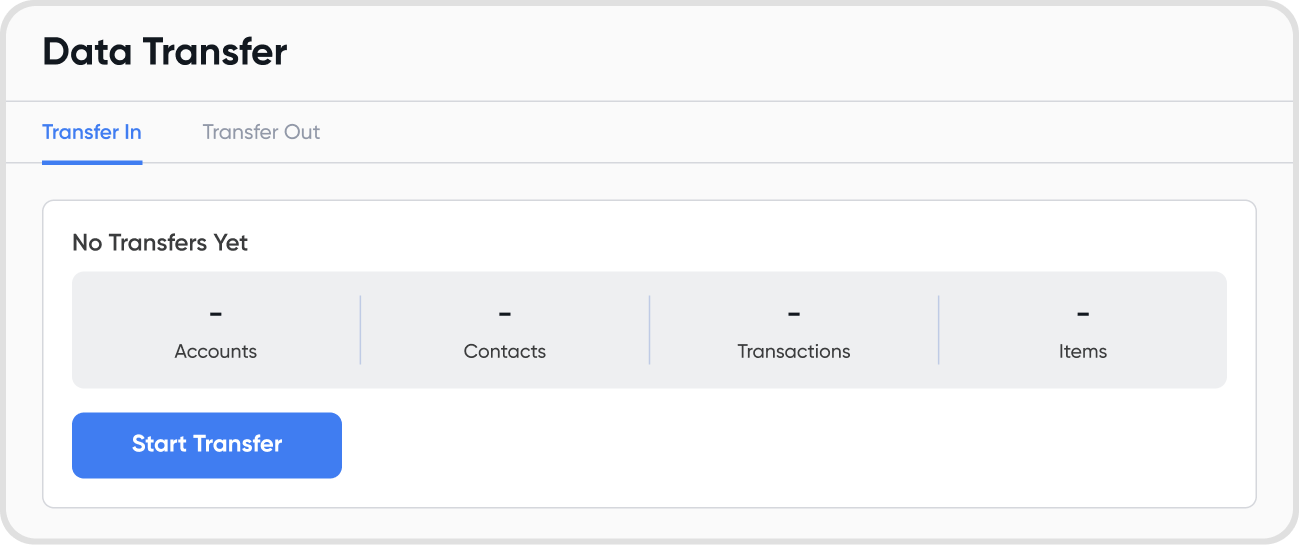
We categorize data into three types. We recommend importing Foundations first.
Foundations: Chart of Accounts, Contacts, Items, Currencies
Balances: Foundations, Opening Balances, Ageing Schedules
Transactions: Invoices, Bills, Transaction Line Items, Payments
Follow these three steps to move your data:
Export: Download your data from your previous accounting software.
Upload: In Juan, go to Data Transfer, select your transfer type (Foundations, Balances, or Transactions), and drag and drop your files.
Review: Follow the on-screen prompts to review your data and confirm the import.
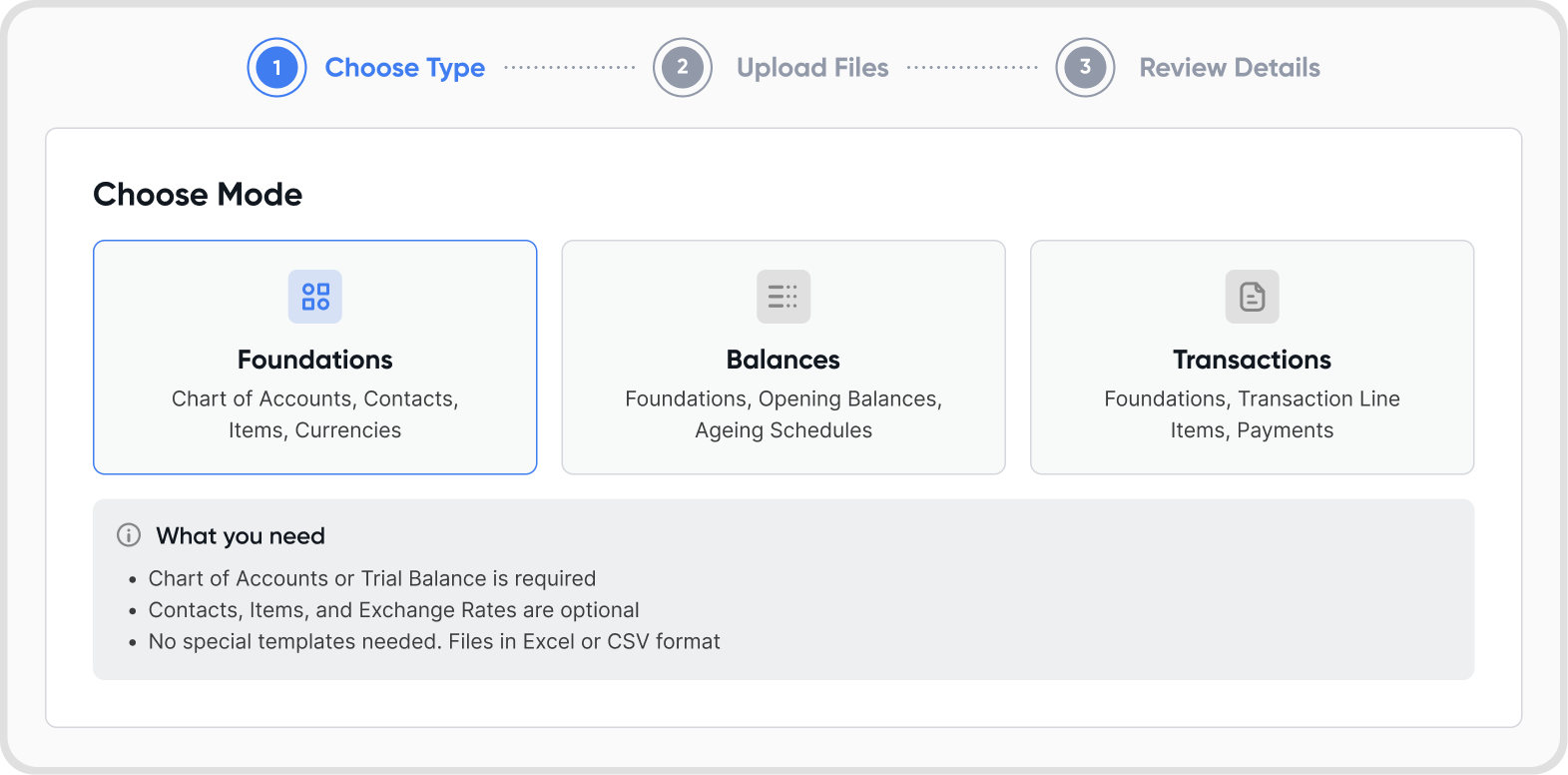
Excel or CSV formats are supported. No reformatting required. Simply export from your old software and upload the file exactly as it is.
Files should be in .csv or .xlsx. Max 2 MB.
Yes, you can edit or delete data transferred into Juan. If you are unsure how to proceed, please contact us via in-app help or reach out to your account manager for assistance.
