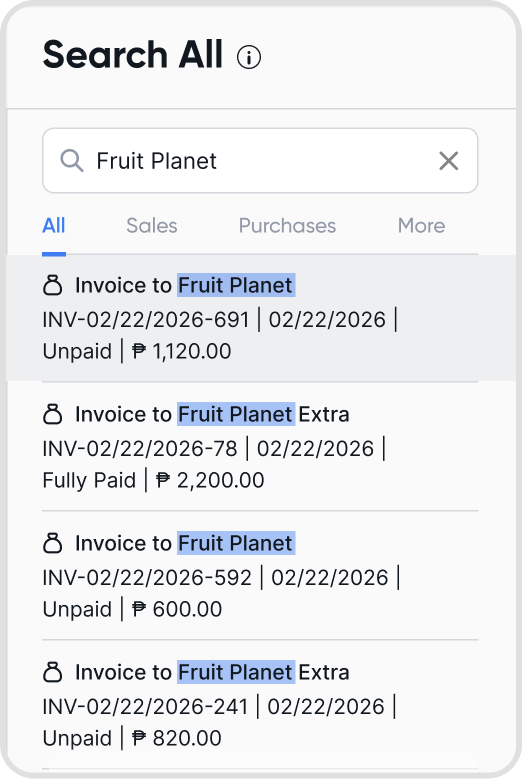
Q1. What is Search All?
Search All is an organization-wide search tool that lets you find transactions, items, and attachments using keywords.
It helps you review both Sales and Purchases without switching between tabs often.
Q2. What transactions can I see in Search All?
You can view all Sales and Purchase transactions:
Invoices
Bills
Credit Notes
Payments
Deposits
Schedulers
Transaction attachments
Q3. How do I use Search All?
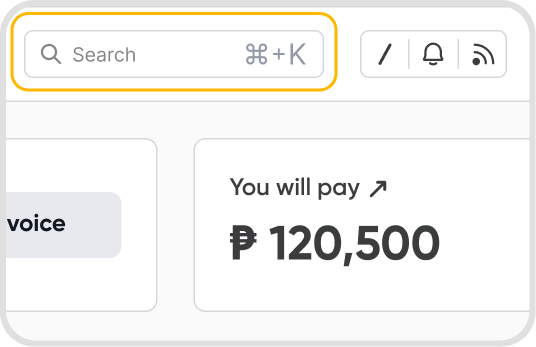
Go to Home > click the search bar (or use cmd + K or ctrl+ K) > enter your keywords > then click Expand to open the full Search All view.
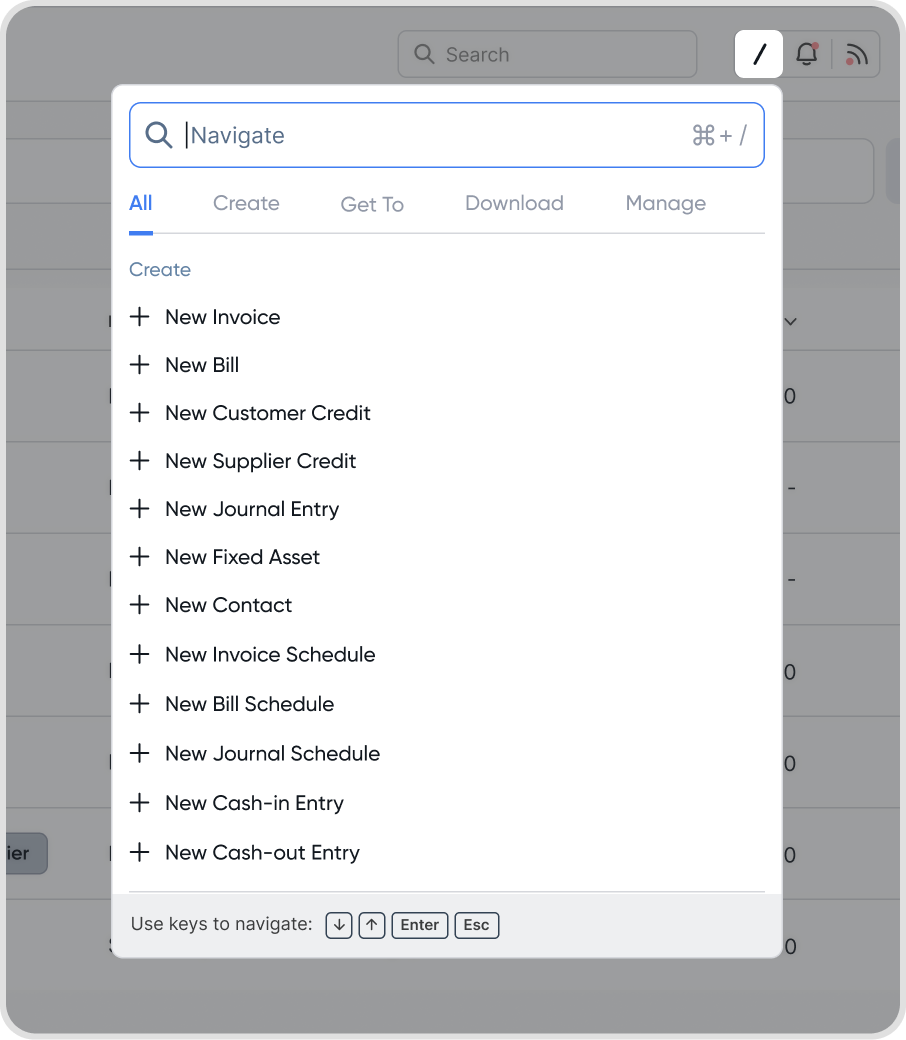
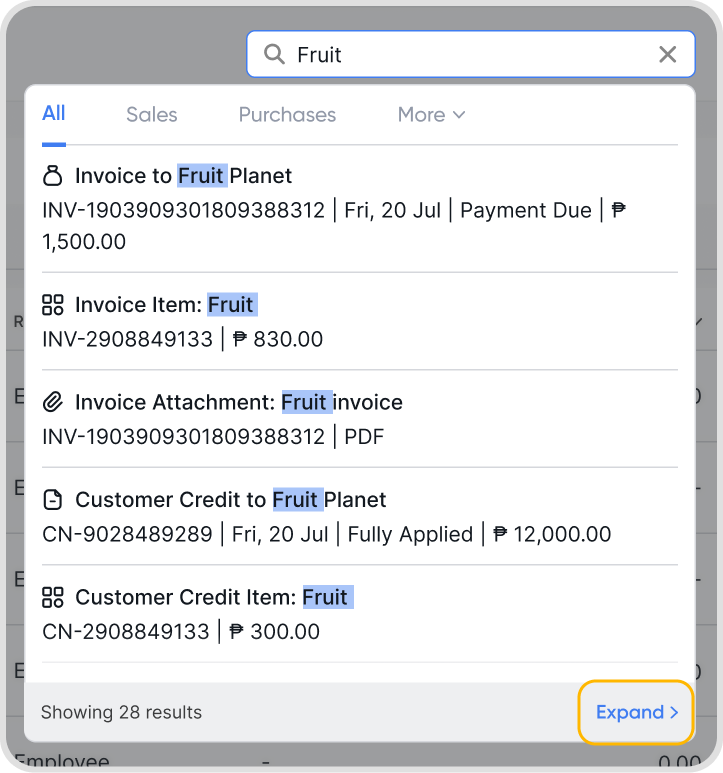
Q4. How can I search for specific transactions using Search All?
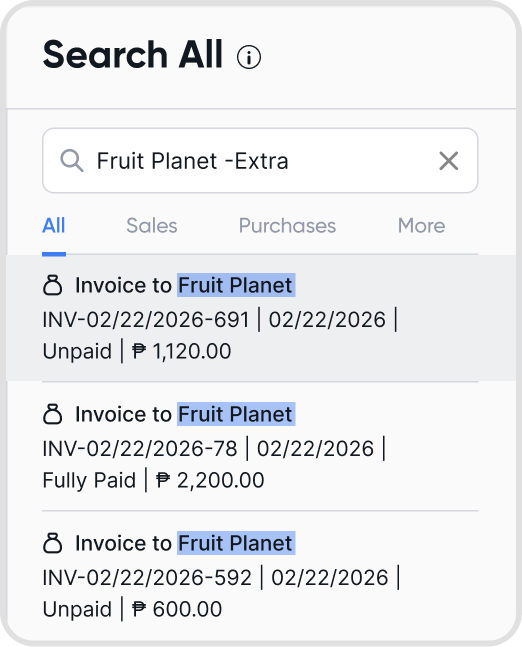
You can refine your search results by using search operators:
Use quotes ("exact phrase") to find an exact match
Add a minus sign before to exclude a word (e.g. -"keyword")
Use wildcards () to match anything (e.g. key for "keyword")
Example: “Fruit Planet -Extra”