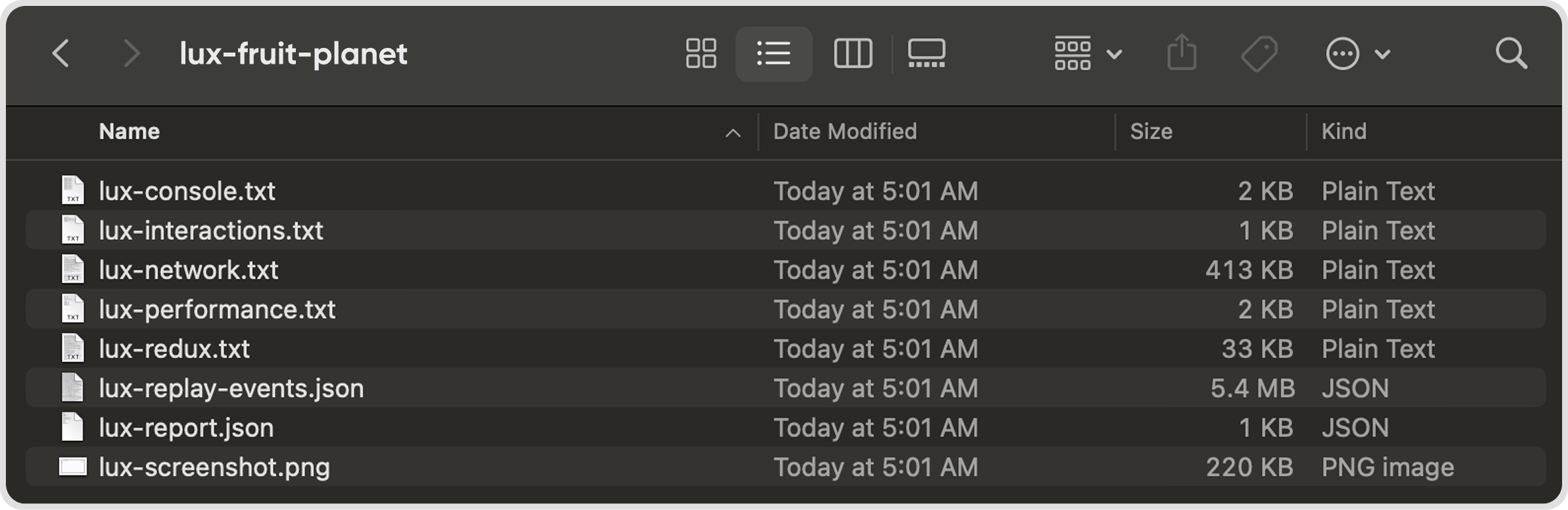
Q1. What is a diagnostic test file?
A diagnostic test helps us understand how Juan behaves when you encounter issues. This helps our team troubleshoot issues faster for you.
Q2. How do I download diagnostic test files in Juan?
Reproduce the error, then immediately download the diagnostic files by pressing:
MacOS: Shift + Cmd + D
Windows: Shift + Ctrl + D
Note: The diagnostic files must be downloaded right after the error occurs so we can troubleshoot accurately.
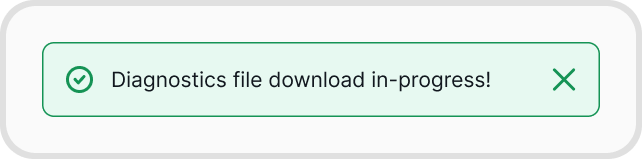
You will receive a notification that the diagnostic file is downloading. Download the zipped file and send it over to our support team.