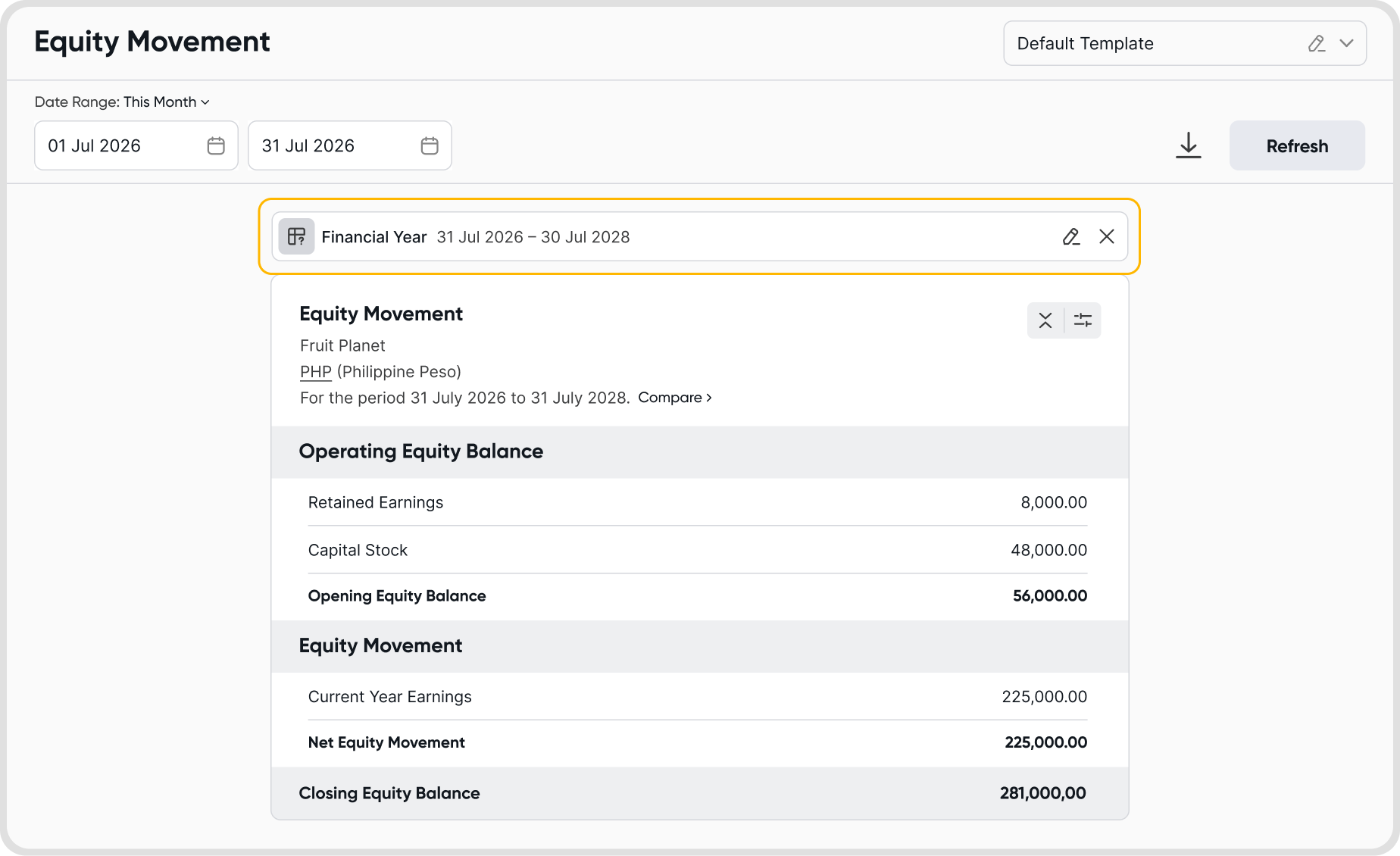
The Equity Movement Report summarizes changes in your organization’s equity over a selected period. It shows:
Opening Equity Balance
Equity movements during the period, such as Current Year Earnings and Capital changes
Net Equity Movement
Closing Equity Balance
This report helps you understand how profits, losses, and capital transactions affect your organization’s overall equity position.
Yes. You can select a custom date range using the date picker at the top of the report.
You may also choose predefined date ranges for quicker selection. Once updated, the report will reflect the selected period.
By default, the Equity Movement Report displays values in your organization’s base currency.
Yes. Click Compare beside the reporting period to open the comparison settings.
You can:
Compare with Previous Days, Previous Months, Previous Quarters, or Previous Years
Set the display order to Recent to Oldest or Oldest to Recent
This allows you to analyze equity trends and movements over time.
The report includes:
Opening Equity Balance
Retained Earnings
Opening Equity Balance total
Equity Movement
Current Year Earnings
Increase/(Decrease) in Capital Stock
Net Equity Movement
Closing Equity Balance
Final equity position at the end of the selected period
The Closing Equity Balance is calculated as: Opening Equity Balance + Net Equity Movement = Closing Equity Balance
Yes. Click the Download icon at the top right of the report. You can export the report in Excel or PDF or download both formats at the same time.
Yes, enable Print Report Notes in Reports → Equity → Configuration Icon → Display Options to add and format notes below the report. These notes will be included in the exported report.
Yes, enable Print Exchange Rates in Reports → Equity → Configuration Icon → Display Options to display them below the report. They will also appear in the exported report.
Yes, enable Print Rounded Values in Reports → Equity → Configuration Icon → Display Options to round all values to whole numbers. This also applies to the exported report.
What-If runs a simulation of your Equity Movement Report using assumptions you set, without changing any recorded transactions.
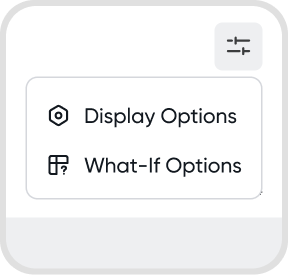
Go to Reports → Equity → Configuration Icon → What-If Options.
The simulation is preview only. Your actual account balances are never modified.
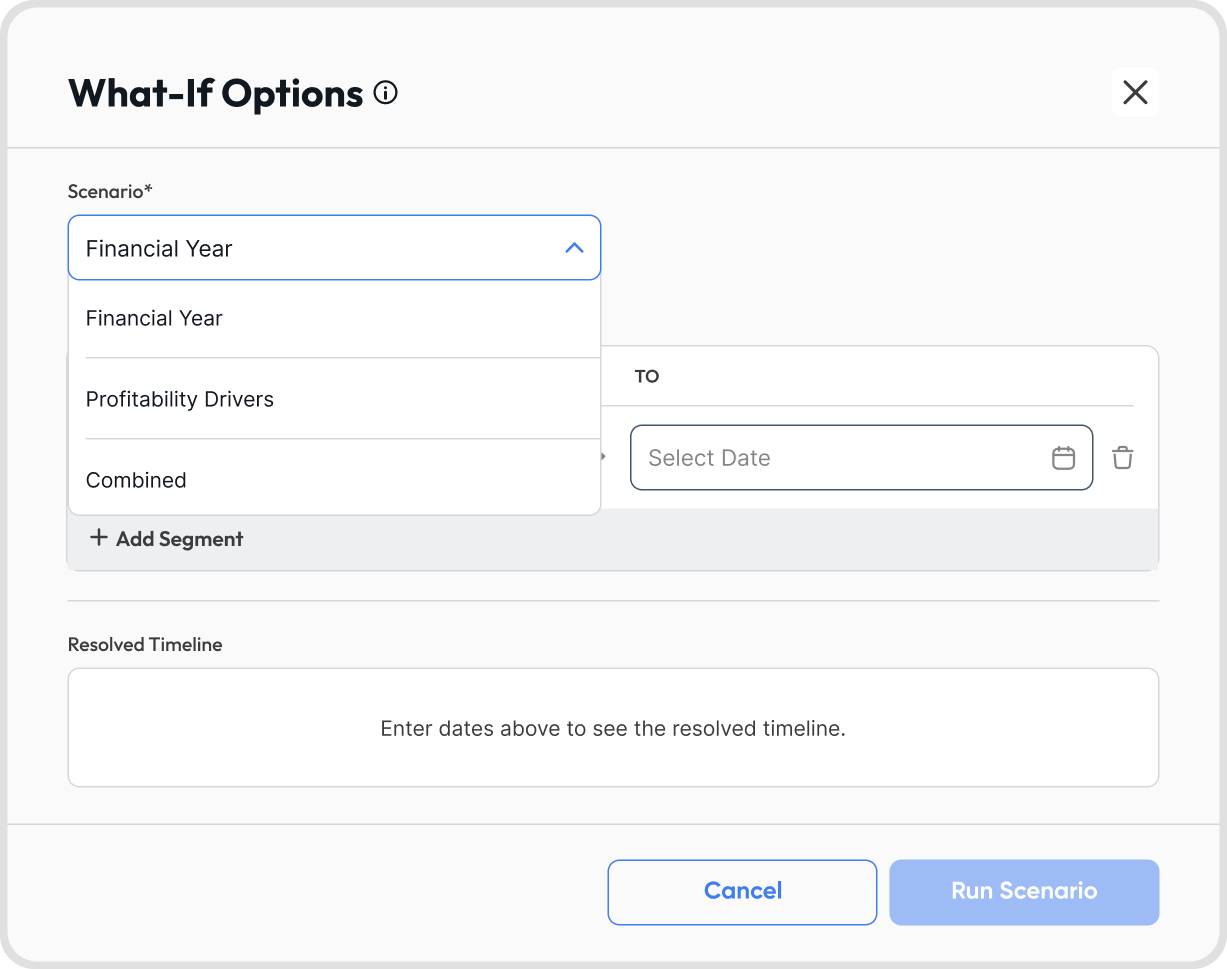
Financial Year: simulate custom financial year dates to view equity movement over an irregular reporting period.
Profitability Drivers: apply a percentage adjustment to revenue or expense variables to see how equity would respond.
Combined: apply a custom financial year and profitability drivers in the same simulation.
Each driver is built from three fields:
Scope: the level the adjustment applies to, either Account Type, Nature, or Account.
Target: the item being adjusted. Available targets depend on the scope selected. For Account Type, these are Direct Costs, Operating Expense, Operating Revenue, Other Expense, and Other Revenue.
Percentage: the adjustment applied to the target. Entering 20% multiplies the target by 1.20.
The Percentage field accepts values from -100 to 500:
Positive values increase the target. Entering 30% multiplies the target by 1.30.
Negative values decrease the target. Entering -25% multiplies the target by 0.75.
Entering -100% removes the target from the simulation entirely.
Values outside this range are rejected, and the simulation cannot be run until the entry is corrected.
Click + Add Driver to apply more than one adjustment in the same simulation.
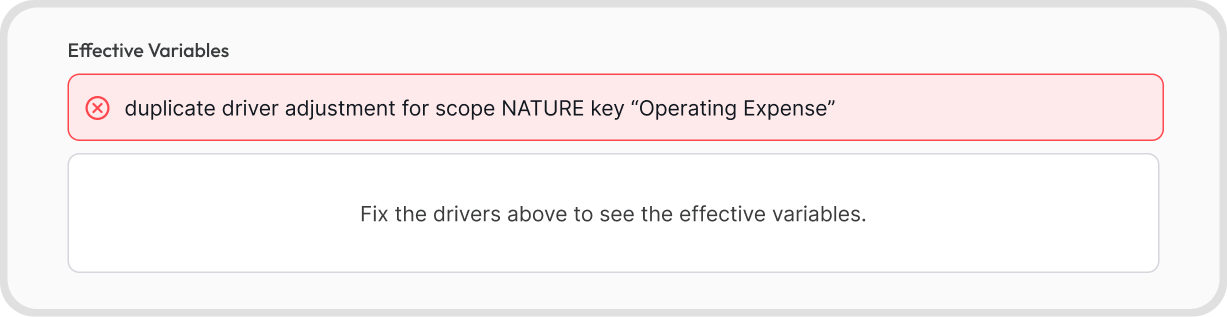
Each scope and target combination can only be used once. Adding a second driver for the same combination returns a duplicate error, and the simulation cannot be run until one of the drivers is changed or removed.
When drivers overlap across different scopes, the more specific scope takes priority: Account overrides Nature, and Nature overrides Account Type.
The Effective Variables panel shows the final multiplier applied to each scope before you run the simulation. If a driver is invalid, the panel displays the error instead of the multiplier.
Here are some example cases where What-If is helpful:
Checking whether the period still adds to equity: apply the cost or revenue change you expect, then review whether Net Equity Movement stays positive or turns into a reduction for the period.
Estimating how much profit is available for distribution: set Operating Revenue or Direct Costs to the percentage you expect, then review the simulated Current Year Earnings to see how much would be available before you commit to a dividend.
Testing a cost increase against your closing position: set Direct Costs to the expected percentage and compare the simulated Closing Equity Balance against the actual one to see the size of the effect in peso terms.
Modeling one account without disturbing the rest: set Scope to Account and select a specific account, such as rent or salaries, to see its effect on equity without inflating the rest of its account type.
Seeing how the year end splits your earnings: your Opening Equity Balance carries Retained Earnings from closed periods, while profit for the current period sits in Current Year Earnings. Simulate an alternative financial year to see how much would move into Retained Earnings and how much would remain as current year earnings.
Reviewing equity over a short or irregular period: if you need to present equity movement for a period that does not match your financial year, simulate that year end to produce the opening and closing balances for it.
Yes, you can export the simulated report in Excel format.
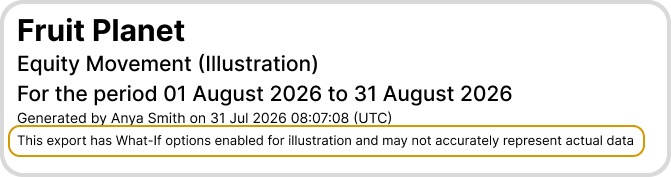
The exported file includes a note identifying the figures as the result of a What-If simulation, so they are not mistaken for actual reported figures.