Quick Fix lets you bulk edit selected fields across multiple transactions or line items at once.
It is designed to help you quickly correct, reclassify, or update records without editing each one individually.
Use Quick Fix when you need to update the same field across many records, such as correcting accounts, descriptions, tax profiles, or classifications.
It is especially useful for cleanups, corrections, and reclassification tasks after data review.
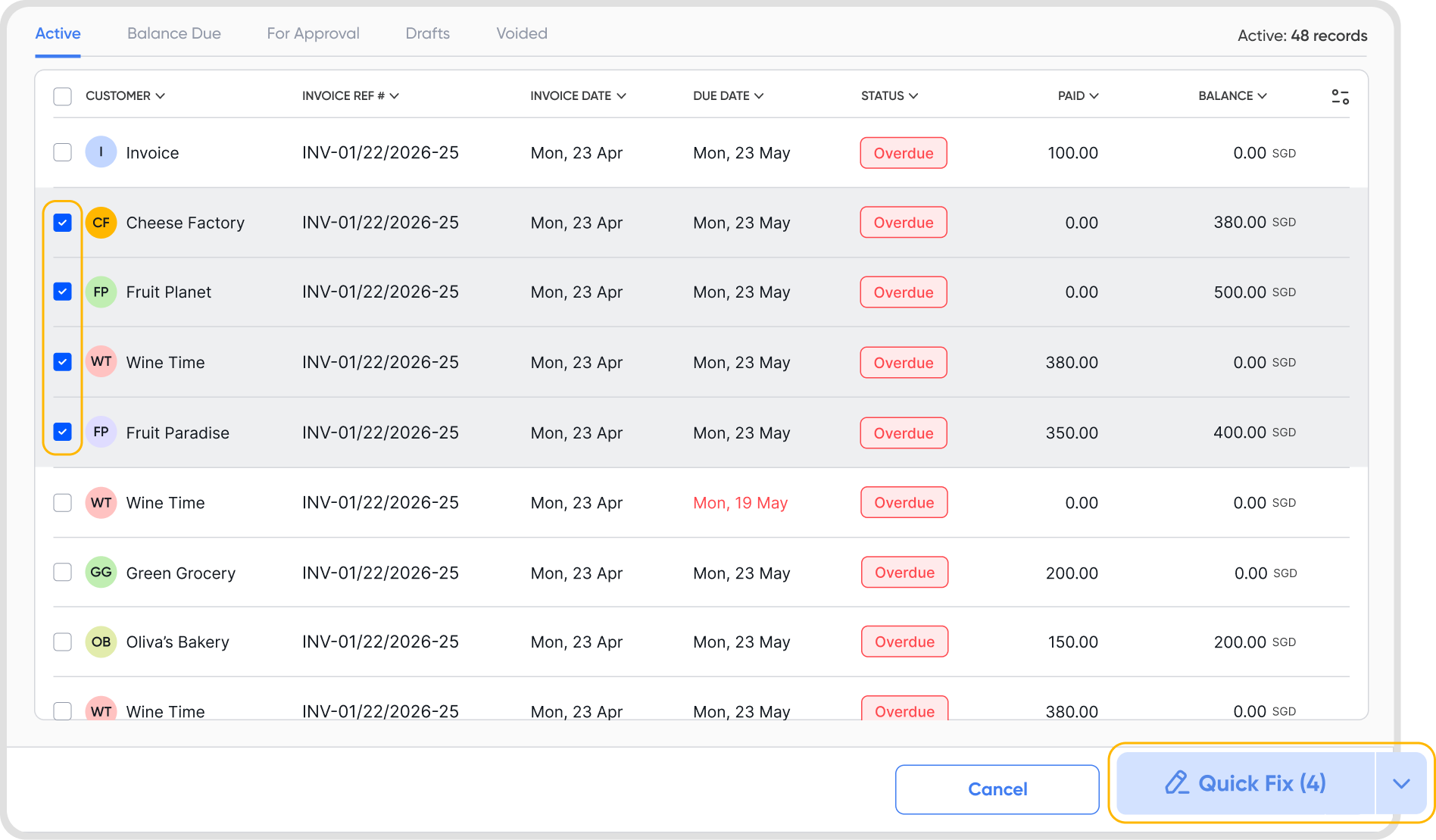
Quick Fix is available on the following transactions:
Invoices
Customer Credits
Bills
Supplier Credits
Schedulers
Line items (Invoices, Customer Credits, Bills, Supplier Credits)
Journals
Journal Entry Lines
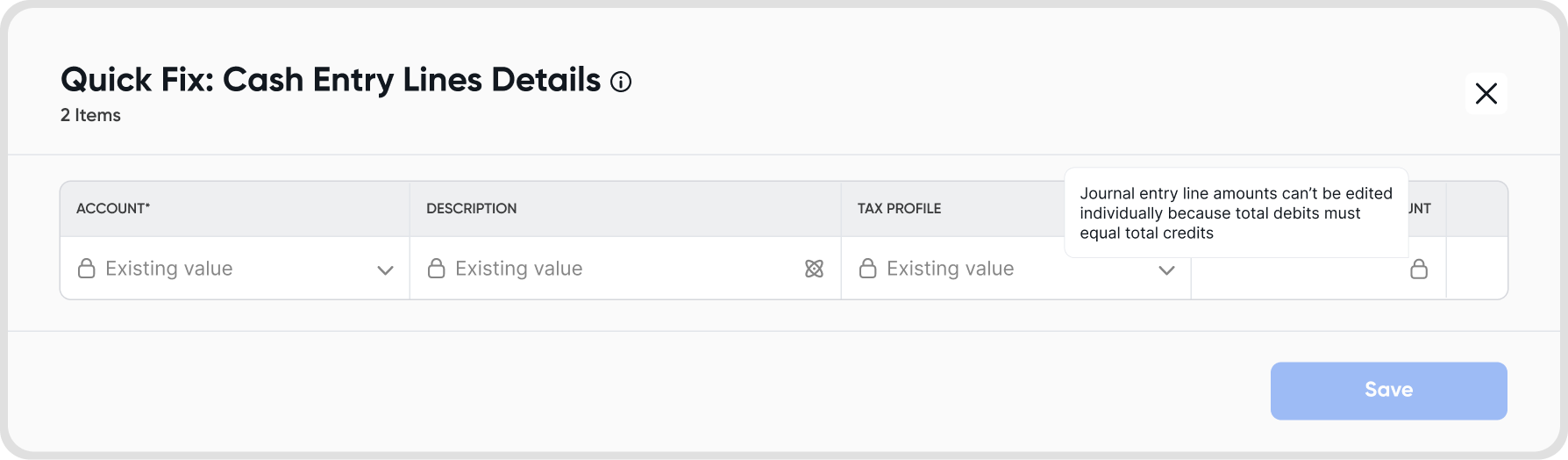
Quick Fix unlocks only fields that are safe to edit in bulk.
Unlocked fields can be updated or overridden.
Locked fields retain their existing values and cannot be changed using Quick Fix.
Some fields are restricted depending on the transaction type. For example, journal amounts cannot be edited in bulk to ensure debit and credit balances remain correct.
Field availability may differ between transaction headers and line items.
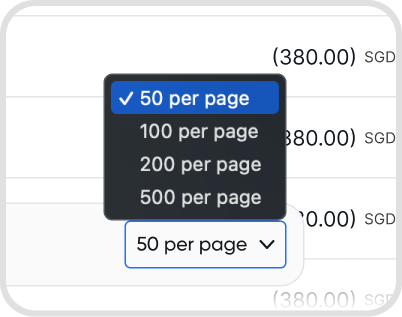
Quick Fix can be applied only to the records shown on the page, with a maximum of 500 records per action.
Yes. Quick Fix can be used on both draft and active transactions, subject to field restrictions.
Certain edits on active transactions may impact related records.
If a transaction amount is changed, any associated payments, credit notes, and bank reconciliations will be removed.
This ensures the transaction remains accurate and prevents inconsistencies.
No. Quick Fix changes cannot be undone automatically. If you made a mistake, you can run a quick fix again.
Always review your selection and changes carefully before applying them.
If a record fails validation, only that record will fail.
Other valid records will still be updated.
You will see an error message explaining why a specific record could not be updated.
Access to Quick Fix depends on your user permissions.
Only users with the appropriate rights can bulk edit transactions or line items.
Any changes made using Quick Fix are immediately reflected in reports.
Changes may impact reconciliations, approvals, and audit trails depending on the fields edited.
Use filters and Search Operators to narrow down the exact transactions or line items you want to update.
Review your selection carefully before applying changes.
For large updates, consider testing Quick Fix on a smaller set of records first.
