Report Packs combine multiple report templates into a single downloadable PDF.
They help you generate complete financial packages (e.g., 3FS: Balance Sheet, P&L, Cash Flow) in one click.
Juan renders all selected reports together and stitches them into one document.
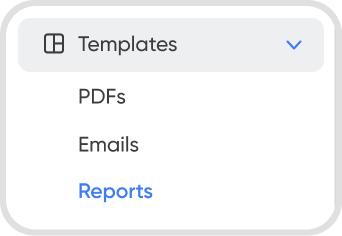
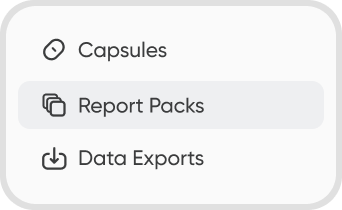
Go to Settings > Templates > Reports > Report Packs to view and generate your report packs. Alternatively, you can open report packs in Reports > Report Packs.
You can render the full PDF and download it. The downloaded version matches exactly what is shown on-screen.
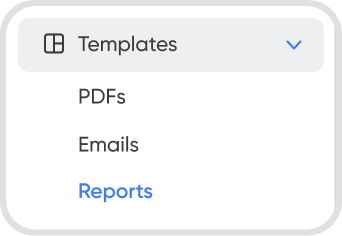
Go to Settings > Templates > Reports > Report Packs or access via Reports > Report Packs.
Create a new Report Pack, enter a name, and select a category (for your internal organization).
Choose a base period (e.g., this month).
Save the template to make it available under Reports.
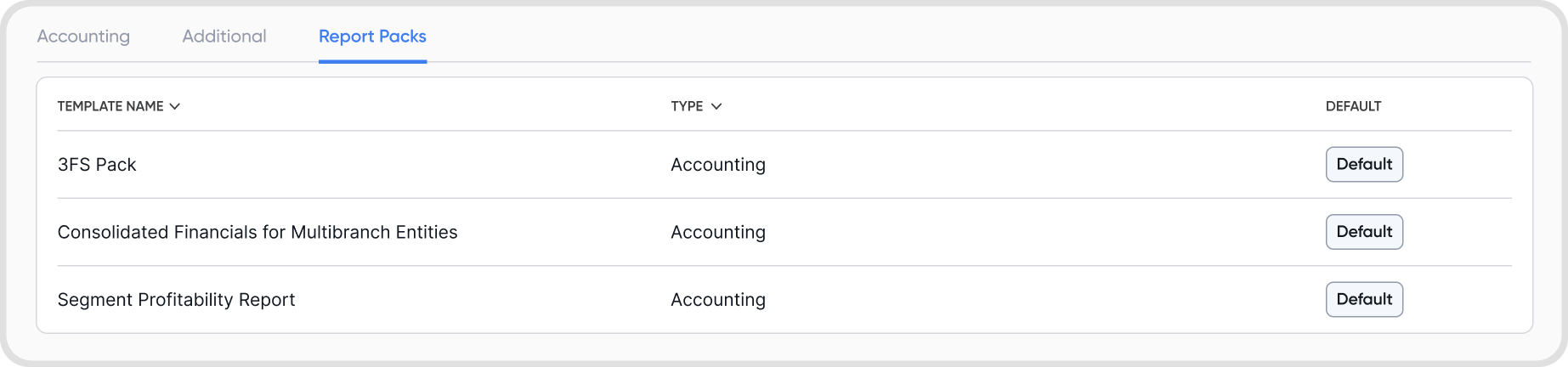
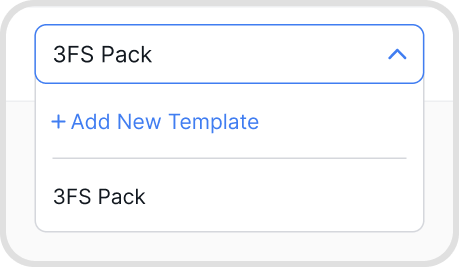
You can select from any existing report templates in your organization.
Example templates include Balance Sheet, P&L, Cash Flow, Cash Balance, Trial Balance, Ledger, and any custom templates you've created.
The list is not fixed. Your Report Pack options depend on the templates available in your organization.
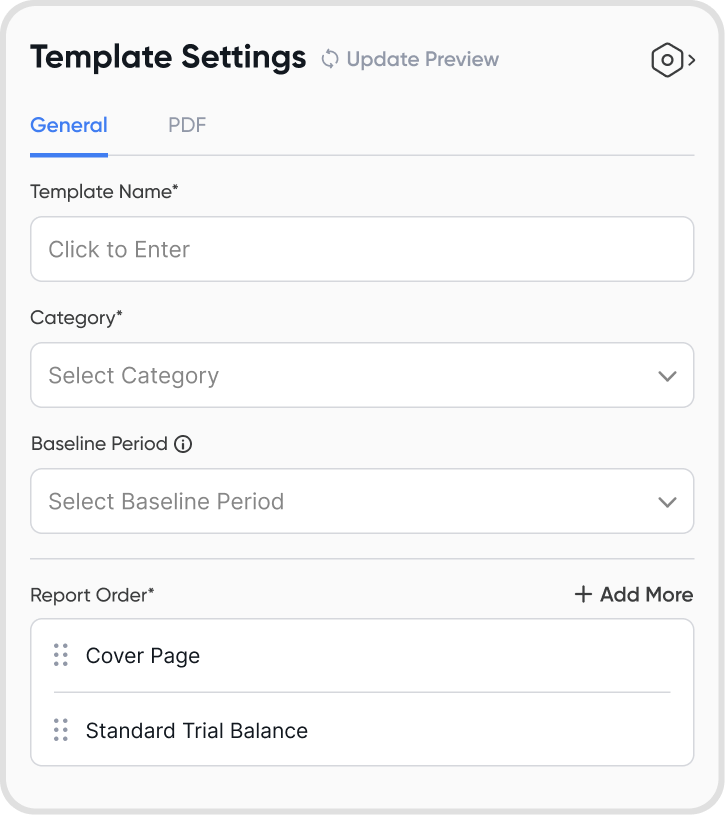
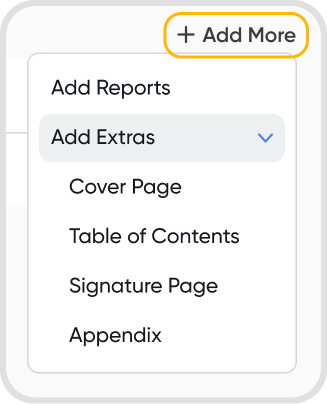
Yes. You can drag and reorder reports to control how they appear in the final PDF.
You can add optional decorator elements such as:
Cover pages
Table of contents
Notes section
Signature pages with configurable labels and names
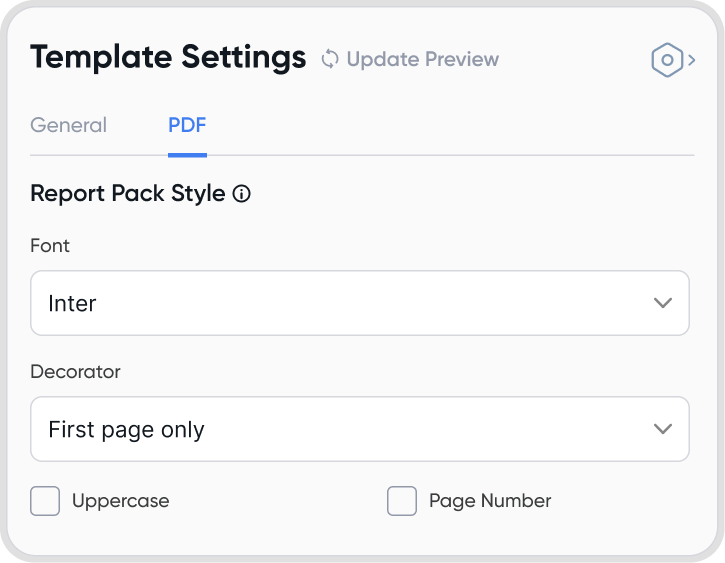
Page numbers and uppercase formatting
Yes. The Report Pack respects the layout of each underlying report template which includes portrait/landscape, column structure, and template-specific formatting.
Report Pack–level settings override only universal elements like font, page numbers, and decorators.
Large templates such as the General Ledger take longer to generate due to the volume of data.
The system generates reports in parallel and then stitches them together, but heavy reports still affect load time.
Yes. Report Packs can exist in an empty state, so you can delete default or custom Report Packs anytime.
If all Report Packs are deleted, the Reports page will show “No report packs to display.”
A Report Pack can include up to 20 reports to ensure smooth generation and reasonable load times.
No. Overrides (e.g., fonts, page numbers, decorators) apply only to the Report Pack PDF.
The original individual report templates remain unchanged.
