By having invoice default settings, the different invoice setting fields will be filled up automatically based on your preferences every time you create an invoice.
This means that you can save the hassle of having to repeatedly fill in your invoice settings as you are sending out invoices.
Yes. Go to Settings → Templates → Fields and open the invoice defaults.
You can also set them while creating or editing an invoice. Press Cmd/Ctrl + B to open the settings bar, then click Field Defaults.
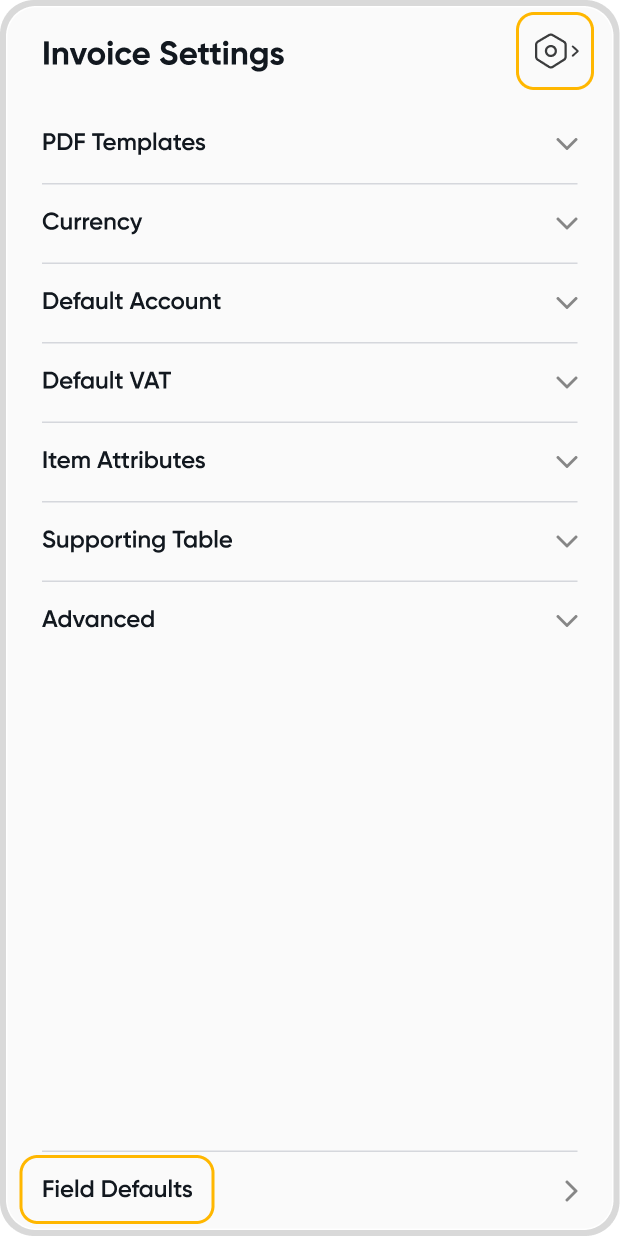
Default settings will apply to all new invoices during creation automatically. Invoices that have already been created will not be affected.
Yes, you can adjust the individual invoice settings even if there have been invoice default settings applied.
Yes, simply set up the default invoice settings again as normal.
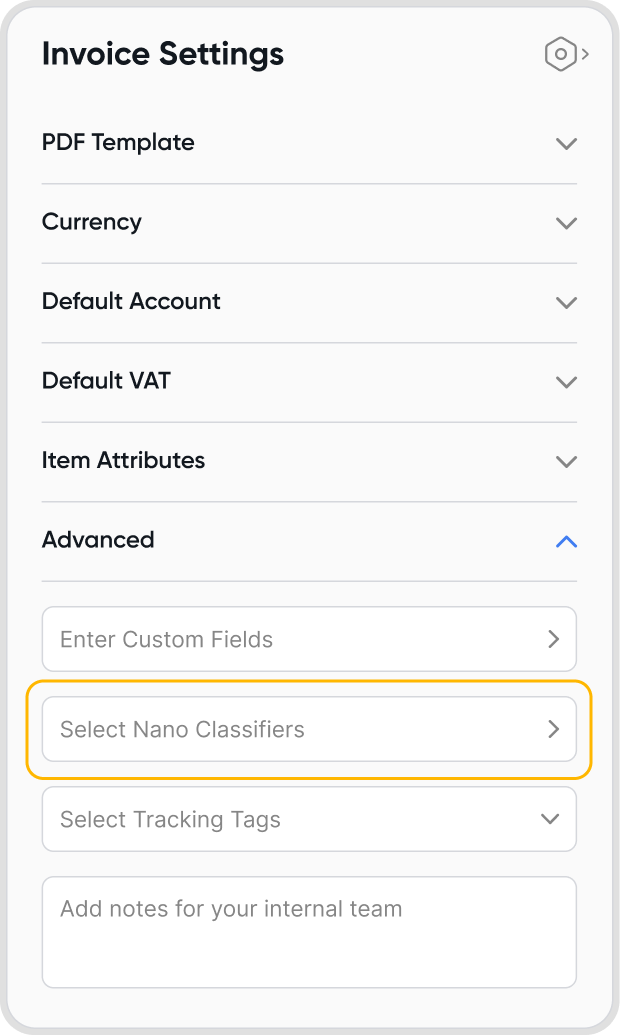
Yes, you can bulk apply or remove classifiers in Invoice Settings.


Go to Field Defaults → Details and adjust the Series Start and Series Offset fields.
Note:
The Series Offset format is: (Series Start + Next Invoice Count) - Series Offset
It must be a positive number