
Q1. How do I create a new organization in Juan?
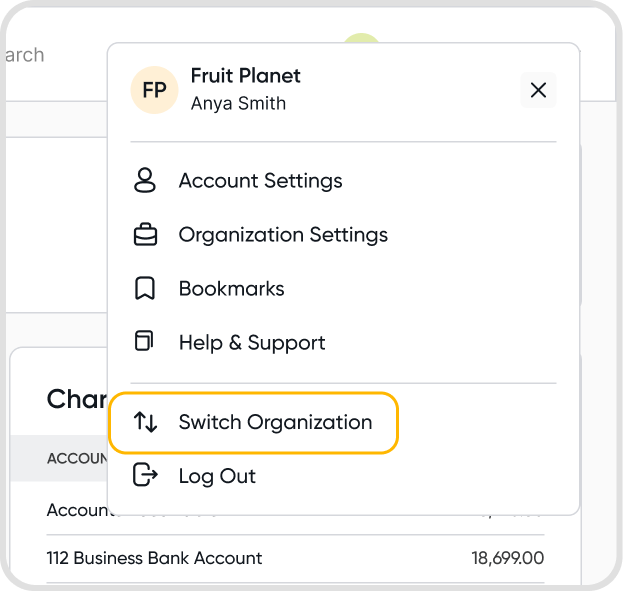
To create a new organization in Juan, click on Switch Organization after logging in.
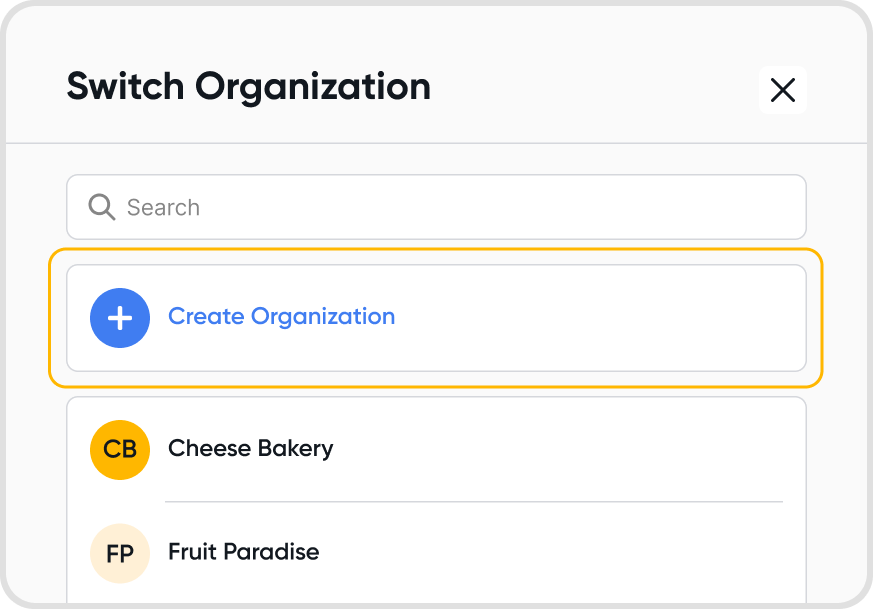
Click on Create Organization to create a new organization.
Q2. How can I add new users to my organization?
Please see User Management for more information on adding new users to your organization.
Q3. What should I set up first?
Complete your organization details under Settings → Organization Details.
Invite your team. See Access Management.
Review your chart of accounts and VAT profiles.
Add your contacts and items.
Add your bank accounts, then connect a bank feed or upload bank statements. See Managing Bank Statements.
If you’re moving from another accounting system, transfer your opening balances. See Quick Conversion to Juan from Another Accounting System.
For video walkthroughs, see Getting Familiar with Juan’s Features.