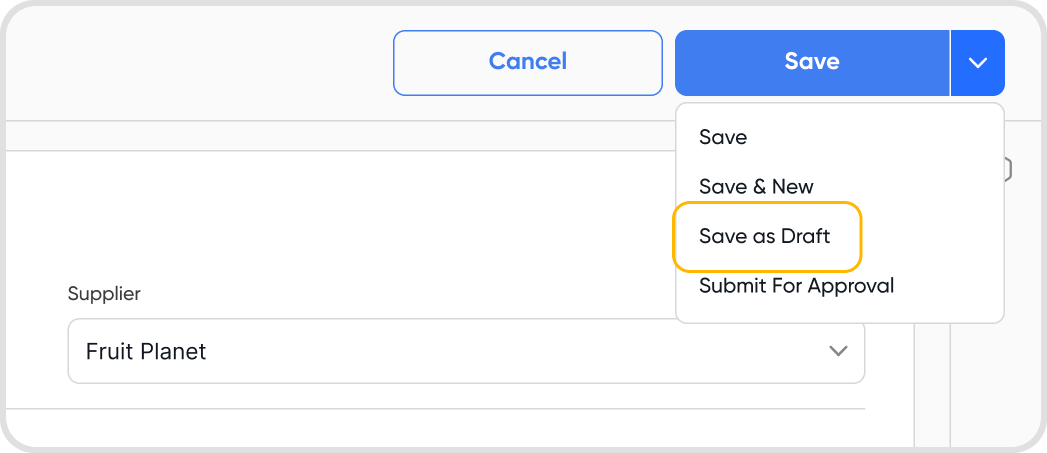
Yes, a bill can be saved as a draft even if all the mandatory fields are not filled.
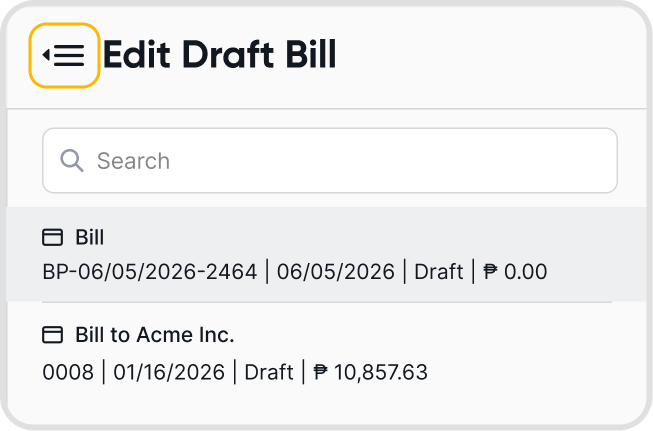
Yes. Click the list icon beside Edit Draft Bill to switch between draft bills.
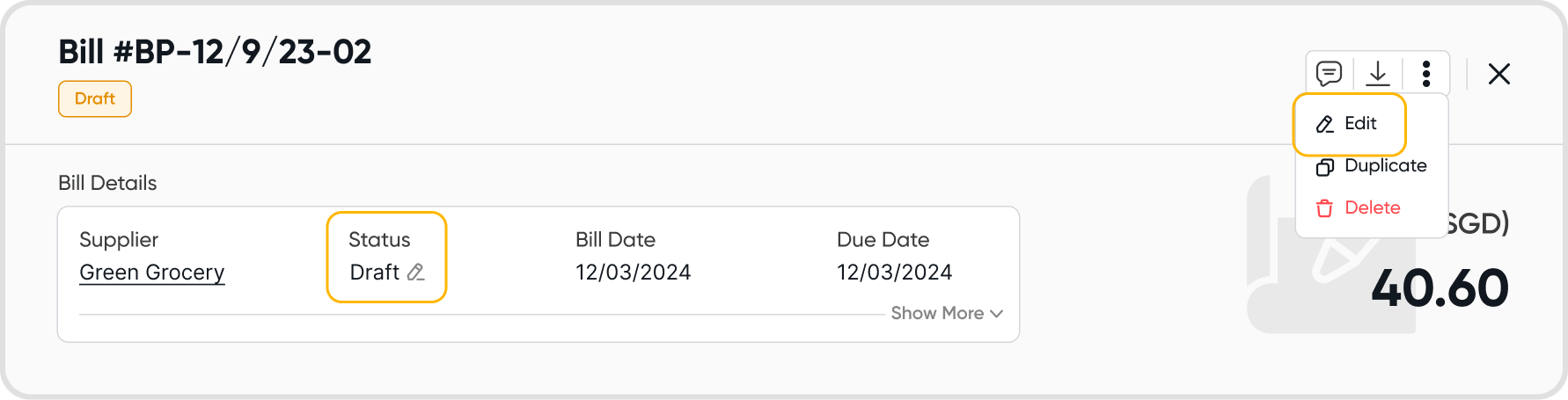
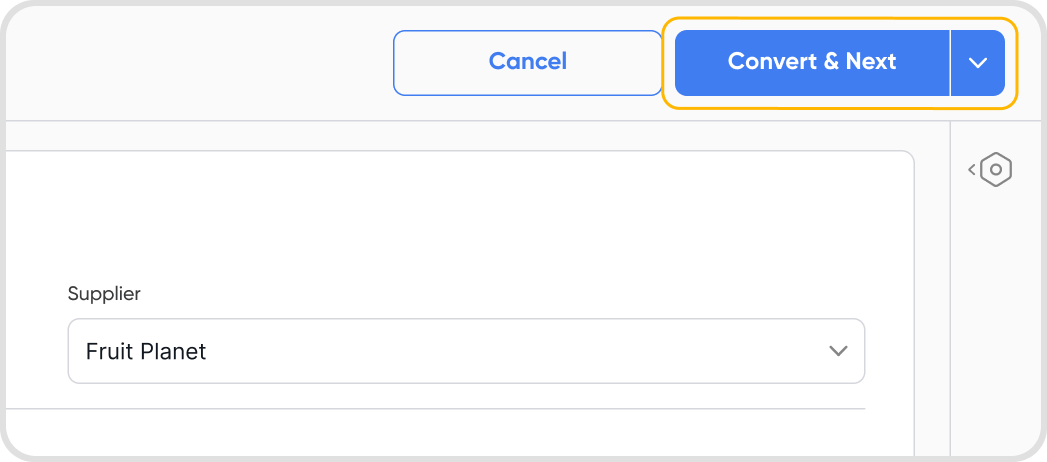
Any draft bill can be converted to active only after all the mandatory fields are filled.
Select the draft bills using the checkboxes, then click Check and Convert.
Juan validates which bills can be converted and flags those with errors.
Review the results. Signals are available to help you assess trends within a contact before confirming.
Confirm to proceed. Only eligible bills will be converted.
Select the draft bills using the checkboxes → click Check and Approve. This will:
Validate which bills can be approved
Show errors for those that can’t
If you proceed, only eligible bills will be approved.
Similar to bill records, bill payments can also be saved as a draft.
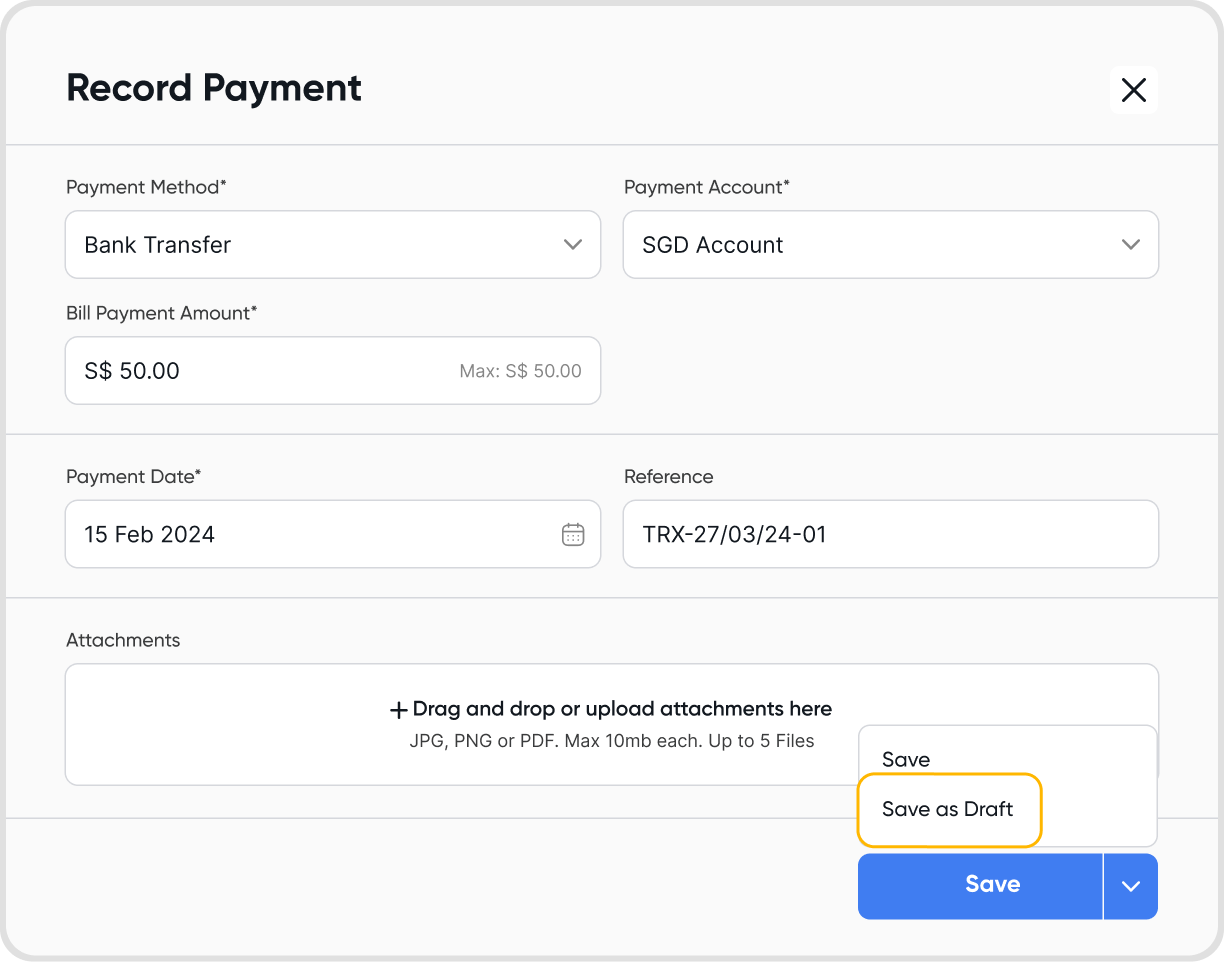
For bills, any draft payments are converted only if the bill is also converted to active.
Hence, to record the payment, the bill must be converted to active status.
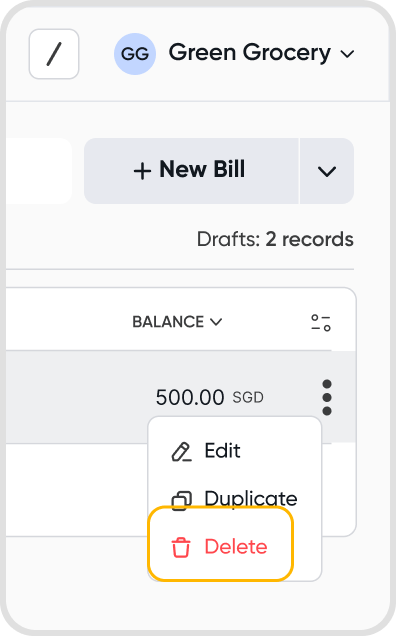
Yes, you can delete a draft bill. If the bill had a draft payment linked, it will also be deleted.
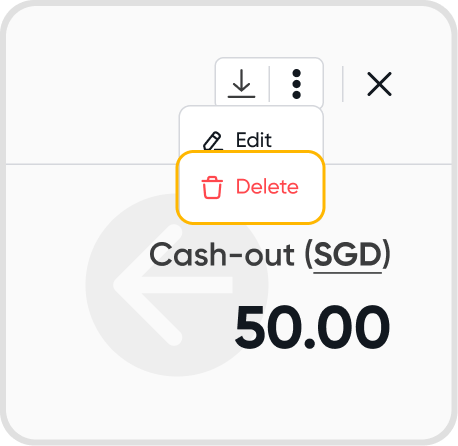
Similar to draft bills, draft bill payments can also be deleted.
No, it does not. Financial reports are only affected once the bills are active.
No, it does not. Financial reports are only affected once the payments are active.
Yes, the currency setting on a bill does not affect the ability to save it as a draft.
Yes, you can save a bill payment as a draft even if it is in non-base currency.
