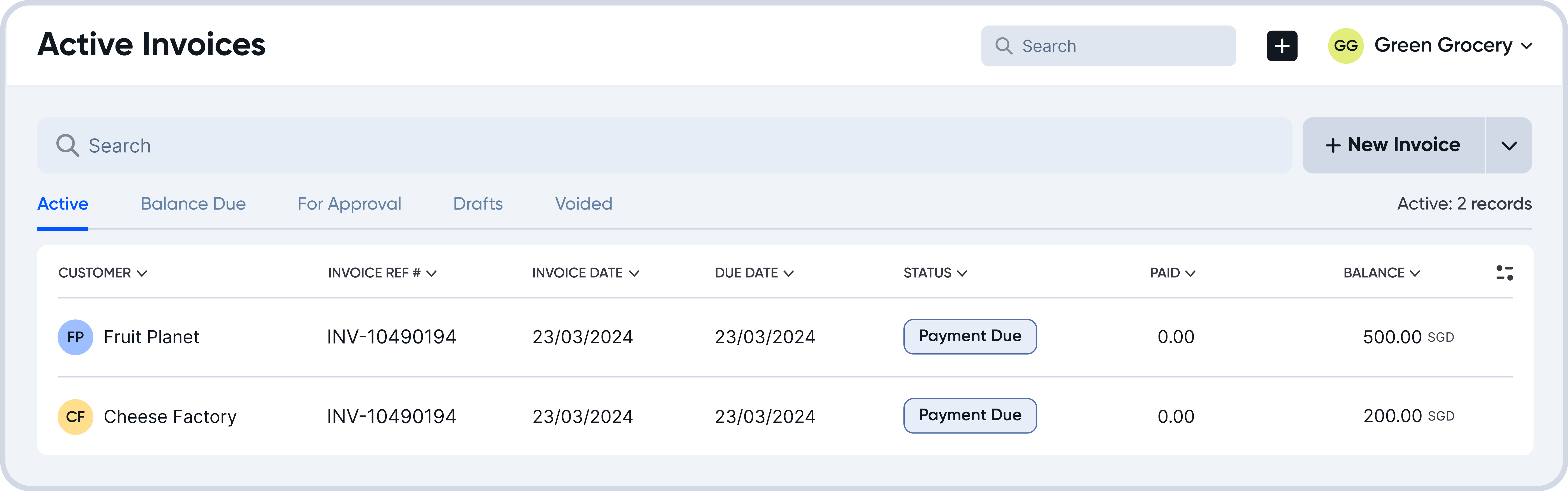
A new bill will show up in Active Invoices.
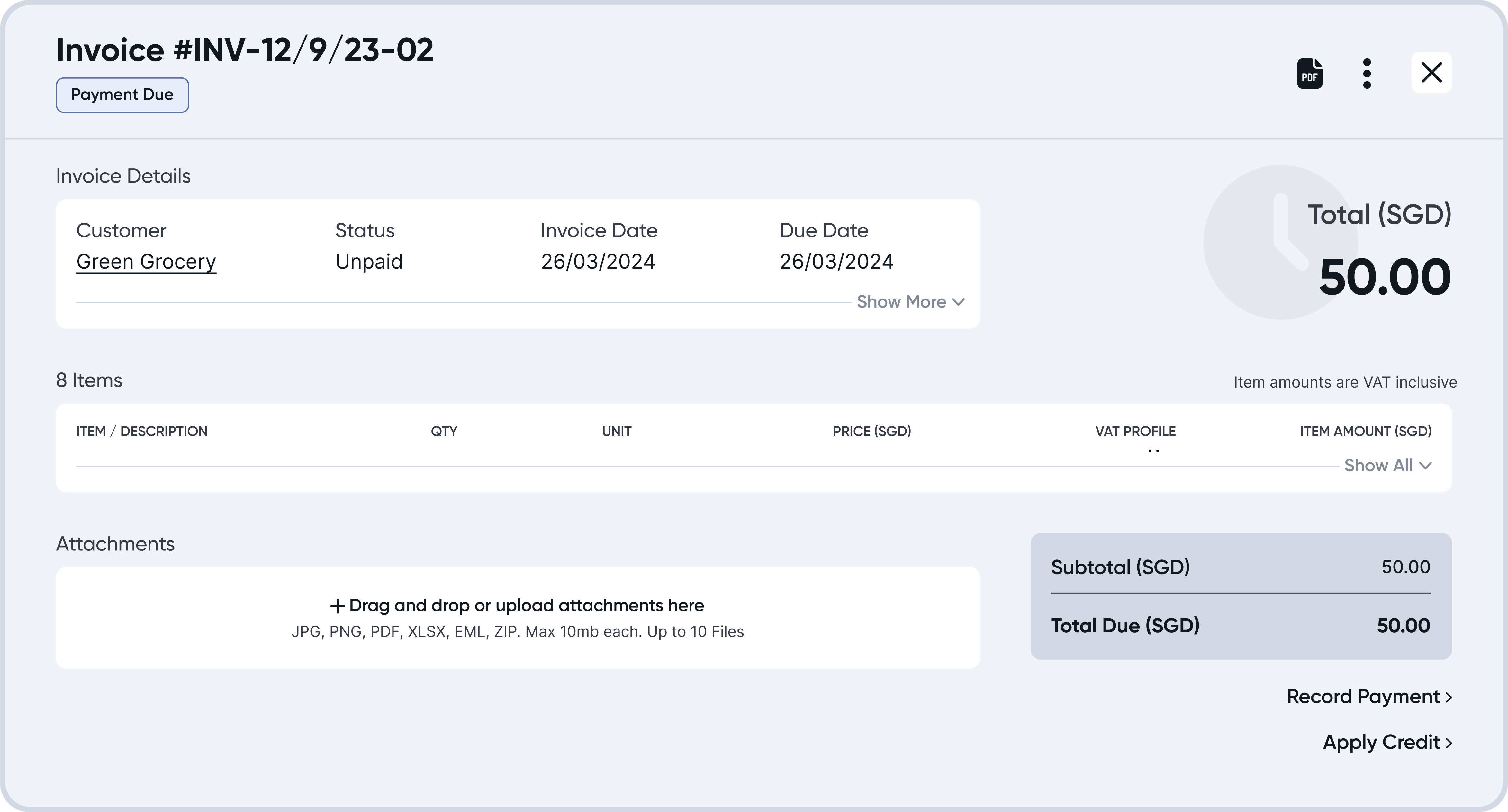
Click on an invoice to see its details.
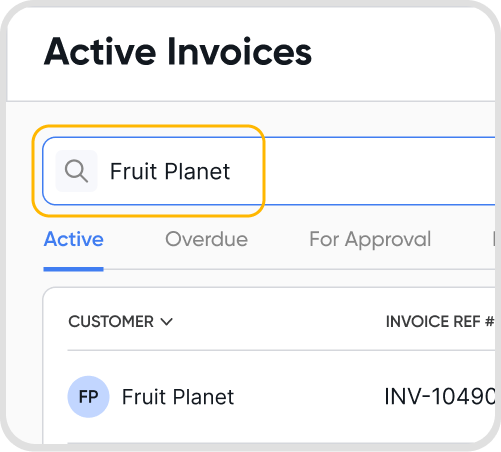
Yes. Under Invoices, you can enter the customer name or invoice number in the Search Bar. Juan will automatically filter out the relevant transactions for you.
Yes, you can download an invoice PDF. Refer to Invoice Downloads for more information.
Juan does not currently support read receipts for invoices sent out by email.
Yes. Invoices in Juan include built-in audit details to help you track changes and actions.
You can view the following fields:
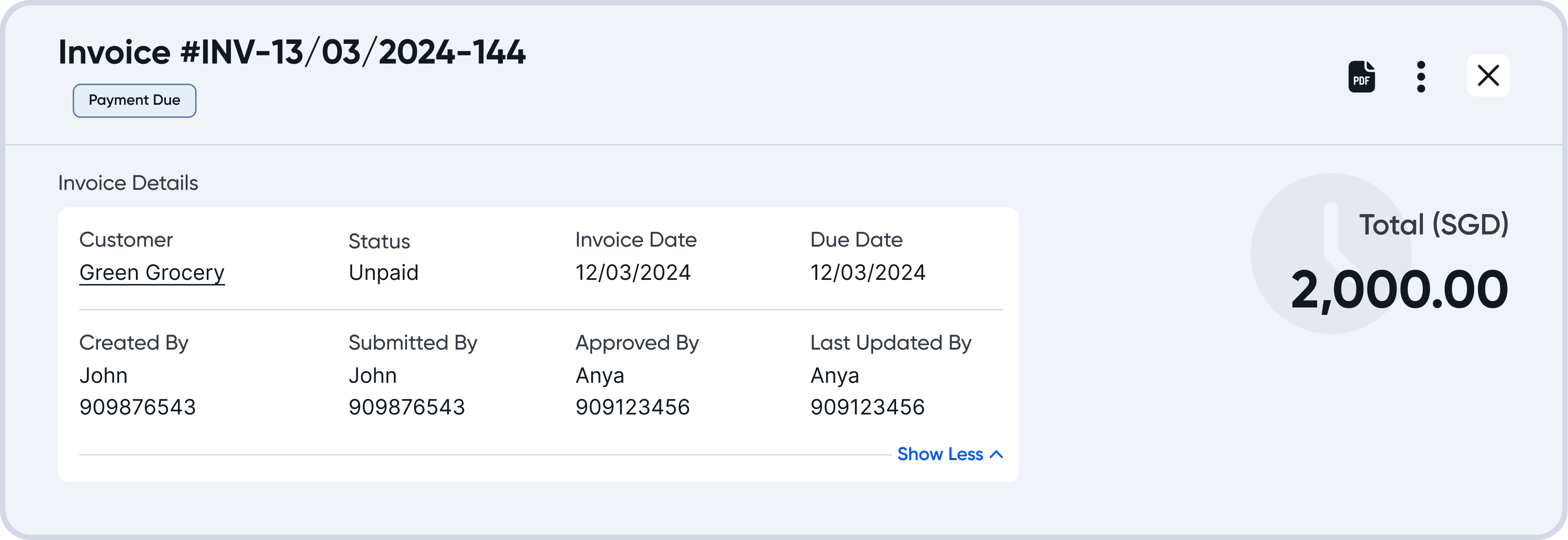
Created By – Shows who created the invoice
Last Updated By – Shows who last edited the invoice
Submitted By – Displays who submitted the invoice for approval (if applicable)
Approved By – Displays who approved the invoice (if applicable)
Click Show More under Invoice Details to reveal these fields.
You can also view the Activity Log, which provides a chronological record of actions taken on the invoice, such as:
Creation
Edits and updates
Status changes
Approval actions
Payments applied
The Activity Log helps ensure transparency and traceability for all invoice-related actions.
Open the invoice, click the three-dot icon, and select See Ledger to view the journal entry created by the invoice.
To find the exchange rate for an invoice with non-base currency:
Hover on the currency ISO to show the exchange rate used for the invoice, relative to the base currency.
The exchange rate information will show the amount in the base currency, alongside the exchange rate information used.
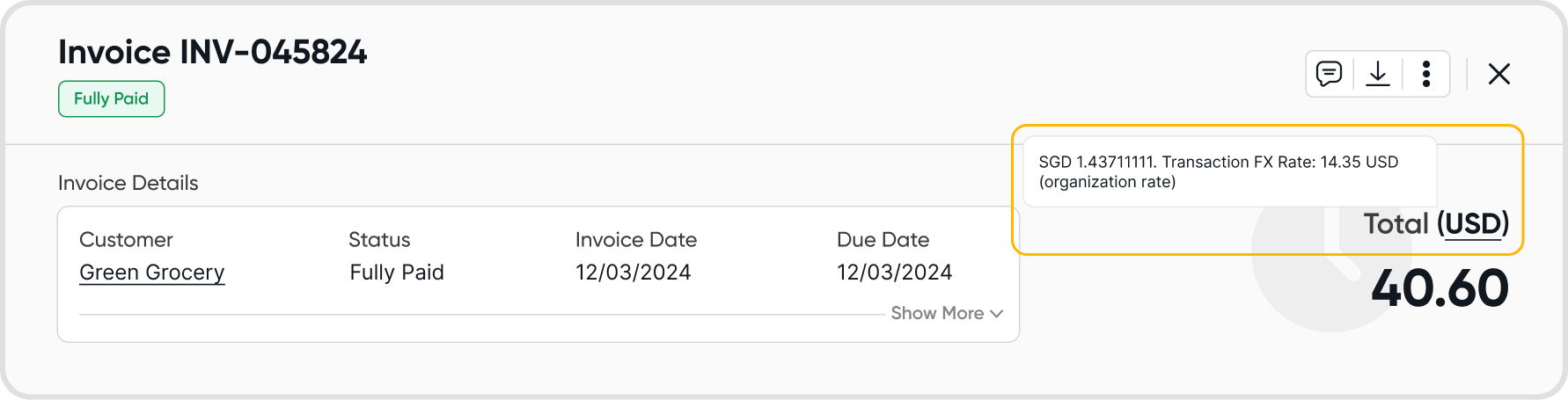
Any changes in exchange rates on an organizational level will not affect existing invoices that have already been created. Hence, existing invoices will not be affected.
However, if you change the exchange rate of an existing transaction by editing the transaction directly, this will be reflected in the invoice the next time you view it.
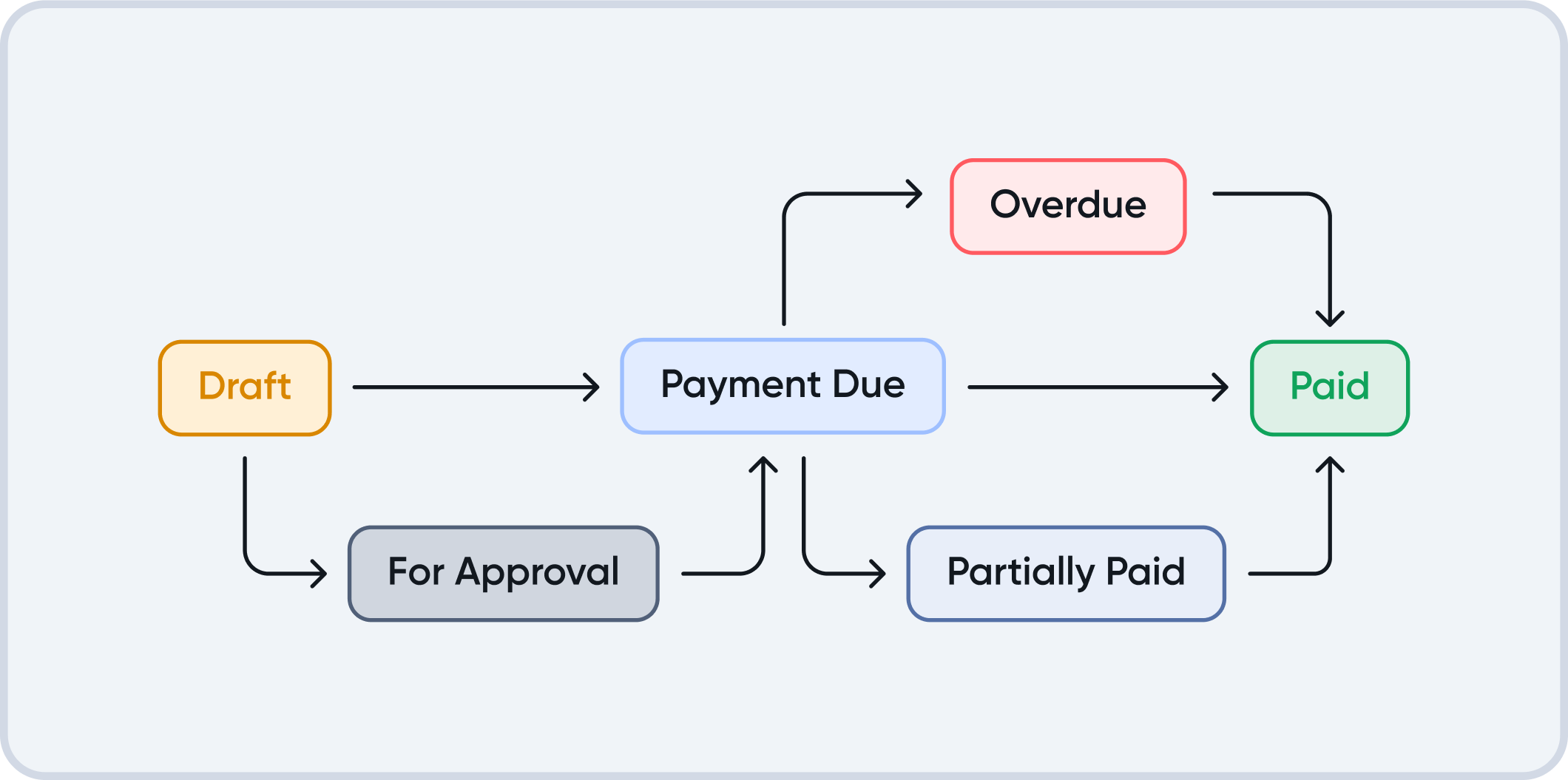
Status | When does this status occur? |
Draft | When an invoice is saved as a draft. |
For Approval | When an invoice is submitted for approval. |
Payment Due | When an invoice is directly saved, converted to active from a draft, or approved. |
Overdue | When an invoice has not been paid by the due date. |
Partially Paid | When an invoice has only been partially paid for, either via a payment, or by applying customer credit. |
Fully Paid | When an invoice has been fully paid off. |
